Blogging 101, Commenting Bootcamp, Day Two, Share a Personal Story

Blogging 101, Commenting Bootcamp, Day Two, Share a Personal Story

Blogging and commenting are about connecting. We connect with one another through stories.

Today, leave a comment in which you share a personal story about yourself.

When you tell a personal story, you show the original blogger a few things. First, that their post resonated with someone — something every blogger strives for — and second, that you’re ready to open up and engage in real conversation.

Share a personal story in a comment — something relevant to the original post.

Again, we encourage you to leave this comment on a blog where you’ve never engaged before. This just might be the start of a beautiful friendship!

images-1

“I plead the fifth”

Blogging 101, Commenting Bootcamp, Day Two, Share a Personal Story

For today’s assignment, I must “plead the fifth”.

Call it personality, call it national heritage (Finnish inherited personality), promoting myself shamelessly while enjoying someone else’s product is something which is not in my nature to do. If there is a funny anecdote to be shared, then that is fine, when the situation demands it. I have even written a comment in a poem to one of my favourite blogs, but sharing something truly personal on someone else’s blog, is really not me. Of course there are always exceptions to any rule.

What prompted this?

Definite “no-nos” from real life, which I have received as comments on my posts:

“Excellent story and colourful pics: now come and see my site…”
“Rant, rant, why I hate religion, rant, rant, nothing to do with your post, continued rant”
“I really don’t like black and white photographs”

I like to follow my dear departed Grandmother’s motto “If you haven’t gotten anything nice or constructive to say, shut the hell up!”

Keep calm and keep blogging, and commenting all!

zzzzzz7654328

Blogging 101, Commenting Bootcamp, Day One: Just Start Talking!

Blogging 101, Commenting Bootcamp, Day One: Just Start Talking!

The only way to get over the fear of publishing something silly is to take a deep breath and click “Publish,” and the only way to get over the fear of being a boring commenter is to leave comments!

Today, comment on three blogs where you’ve never commented before. Not on your mom’s blog, or your friend’s blog — three new-to-you-places.

Browse the Reader, check out the latest in Discover, visit blogs your friends recommend on Facebook or Twitter, or click blogroll links on blogs you already know and love. Visit the blogs of other Blogging 101ers. It doesn’t matter how you find three blogs — go exploring!

These comments can be short and sweet, as long as they’re substantive. For tips on thinking up great comments, check out our suggestions.

(And if you’re worried that your comments are boring, (1) they’re probably not! and (2) The Commons is a great place to get a second opinion before you post.)

bella-post-your-feedback

“Don’t procrastinate. If you want to blog, then blog.” Fritz Chery

Just Start Talking!

Don’t encourage me! Talking is something I never had trouble with 😉

That being said, in the blogging world commenting and responding to many comments can sometimes be time consuming. Therefore a simple like is what can be given most times, indicating “I really liked the post”. Still nothing is as heartwarming as nice feedback.

My three options for today for comments were the following fine posts:

acookingpotandtwistedtales.com

“Good interpretation from the photo. Well written one shot!”

ashortconversation.wordpress.com

“A picture paints a thousand words, then again, your words do paint a picture too! Great story!”

thedisappearingisland.wordpress.com

“I can see this as clearly as a photograph, well done!”

In addition to commenting; I have also started reposting some of the posts I find to be interesting and in need of sharing. This is something I intend to continue doing in the future as well.

'Sticks and stones may break my bones but words will rip out my entrails and dance on my grave.'

‘Sticks and stones may break my bones but words will rip out my entrails and dance on my grave.’

Blogging 201: Day Six: Dig Deep into a Social Network

Blogging 201: Day Six: Dig Deep into a Social Network

images

“The Internet destroyed most of the barriers to publication. The cost of being a publisher dropped to almost zero with two interesting immediate results: anybody can publish, and more importantly, you can publish whatever you want.” Dick Costolo

Blogging 201: Day Six: Dig Deep into a Social Network

Today’s Assignment: pick one social network you’ll use to help grow your blog. Then, outline a plan for how you’ll use it.

Why do this?

• Because blogging is about building a community, and other social networks have ready-made communities.

• Because social networks are a great place to continue tangential conversations and experiment with content. Facebook, Twitter, Pinterest, Instagram, LinkedIn…where to start? A big brand might use every single one, but a big brand also has a social media department. You have the Department of You, so be selective.

I went “social media” the first day of my blog: Facebook, Twitter, Instagram, Flickr, 500px, LiveJournal, Tumbler, Pinterest, Google+ and LinkedIn.

All the posts published are sub-posted on these sites. I am getting followers from all these sites and even feedback given through them or email. I don’t see a blog surviving without the social media, with the good and the bad which it contains. I have said it in the past and will say again: I have a love-hate relationship with the social media, but as the old adage goes: Better the Devil you know 😉

I have also reposted several bloggers’ posts, which I have found to be something to be shared to a wider audience and intend to continue doing so also in the future.

Related posts:
Blogging 201, Day Four: Give ‘Em What They Want
Some Social Media Bullshit
new-yorker-blogger-cartoon

Some Social Media Bullshit (Repost for Blogging 201)

‘Connecting people – The artist formerly known as Nokia’

27b1c2cdef8246d2f895bba44cc14f97

Some Social Media Bullshit

You don’t have to like it, but have to be in there: The social media of the world wide web. After all, who wants to be a complete social outcast!

Here are a few examples of what can be used for keeping in touch with family, friends and even your favourite movie stars!

* Assbook: Like opinions, everyone has more than one
* Angstagram: I post photos of myself and my eating habits, therefore I am
* Bitter: You would be too if no one is following you, right?
* Benchpress: For every self aware blabber, but more artistic ;P
* Tiedup: A must for professionals, endorse endorse endorse until you drop!
* You-boob: You did something stupid, maybe flashed a body part usually hidden, it got on video and uploaded on the internet and now you are the star of your own show!

A typical modern person’s day

@In the morning
The alarm clock is going off, it’s time to get up.
What is the first thing you do?

#Pick up your phone from the night stand and:

A) Check your social media apps
B) Check your email

@Driving in the car to your place of work.
Listening to the radio and the DJ is urging you to snap a photo and upload it to their site:

#uploadfunnypic

A) You are snapping selfies and almost bumping into the car that stopped in front of you. (The other driver possibly doing the same thing as you).
B) You are twatting your social media buddies of what you just did.

@Lunch time everyone with their phones in their respective hands. Not one word is spoken to anyone ‘live’, but they all are:

A) Chatting (and oh yes, there are actually office use approved ones too: Yank!)
B) Updating statuses on various social media apps.
C) Uploading photos of what they ate (of course, a must for every self aware social medialite).
D) Someone shared a funny video and twatted the link to everyone else around the table.
E) Everyone watching the video.
F) Everyone twatting feedback to each other.

@Coffee break everyone is:

A) Uploading photos of coffee and doughnuts they will consume.
B) Chatting with the people around the coffee table.

Back home from the office.

@Dinner table the family is sharing a meal and their respective day:

A-F apply here too.

@Midnight, bedtime:

A) Time to recap today’s event in your “blab”.
B) Latest friend updates to be checked (so not to miss any important things such as what your friends ate or what they were watching on TV, etc.)
C) Twatting everyone

#g’night!

Sometimes though, you have to be more low tech. For example in the situation, where your respective spouse is not quite on the same level of enlightenment regarding the social conventions of the social media as you are. Then you have to resort to archaic methods like the SMS.

Wishing your spouse

#sweet dreams xoxo

Lesson learnt:
Getting anything done; 3% is talent, 97% is staying off the internet.

social-networks2

Blogging 201, Branding and Growth: Day Five: Make the Most of Your Archives, Part One

Blogging 201, Branding and Growth: Day Five: Make the Most of Your Archives

“I think I am about 5 for 500 when it comes to successful ideas vs flops” Jeremy Schoemaker

Blogging 201, Branding and Growth: Day Five: Make the Most of Your Archives, Part One

The internet is ephemeral — you publish a post, and it sinks to the bottom of your blog before you know it. You’re competing with breaking news and dealing with short attention spans.

Readers and search engines love seeing new content on your homepage, but you can keep things even fresher by highlighting your archives: your best posts, hidden gems, and timeless content. After all: if a reader just found you, it’s all new to them!

Today’s assignment: integrate a feature to draw traffic to your older content like a widget, related posts, or a “Best of” page.

Why do this?

* Because a go-to page compiling your best posts is the simplest way to get readers to your content — you never know which post will pique someone’s interest, so make the good ones easy to find.
* Because while your About page does a great job introducing you, a curated selection of posts further illustrates your perspectives.

* Customizer to promote older work in your sidebar and footer, including the Top Posts and Page Widget, Archives Widget, and Categories Widget. These widgets automatically pull in archival and popular content — they’re quick, easy additions to drive traffic to older work. Each widget has configuration options, so you can control how much real estate they take up.

* Activate the Related Posts feature, which analyzes the words in each post, searches your site for similar posts, and displays related content at the bottom of every post.


GO TO: Previously on Rantings Of A Third Kind…


welcometoblogging

Previously on Rantings Of A Third Kind… (Blogging 201, Day Five)

Blogging 201, Branding and Growth: Day Five: Make the Most of Your Archives

eraser
“Breathe. Know that the Internet has no eraser” Liz Strauss

Previously on Rantings Of A Third Kind…

Previously on Rantings Of A Third Kind…

A page for Photography was designed
To be country specific was defined
And all the related posts to combine
Maybe what you seek, you here shall find

The page for Daily Poem briefly existed
To pending status it was soon listed
For more than one per day a poem coexisted
And to an overwhelming task insisted

Throwback Thursday was also introduced
Much more traffic it did produce
Not even that Bruce could reduce
And it did give the creator much more juice

Gidgets, gadgets, all types of widgets
On the pages already existed
To name but a few
And give them their due

Top posts, calendar, pages and archive
Better give me the high five!
Before going live
With another trial

A showcase for most favourite posts
As presented by the host
Could once more, be the thing of the week
Or maybe something else ya seek?

Looking for
Calendars, Challenges or Yesterday’s news
It is all in here
But with a click or a few

Before you’re leaving
A small reminder
Don’t forget tuning in
Againg tomorrow
To this world wide
Virtual binder

funny-blog-cartoon-image

Blogging 201, Branding and Growth: Day Three: Get Read All Over, Part One

Blogging 201, Branding and Growth: Day Three: Get Read All Over

writingmobile

“In many parts of the world, more people have access to a mobile device than to a toilet or running water” Nancy Gibbs

Blogging 201, Branding and Growth: Day Three: Get Read All Over, Part One

Over the past few days, you’ve been brainstorming about your brand and thinking about the elements of a well-designed site. None of that matters if readers can’t view your site properly across various devices.

Today’s assignment: make sure your site is mobile-friendly, and familiarize yourself with the features of responsive design.

Why?

Because a responsive website looks great on all screen sizes, from computer to tablet to phone.
Because there are mobile tools built in to WordPress.com — there’s no need to know web development to have a mobile-friendly site.

We’re a culture on the go, no longer just reading on desktop computers, but consuming information on the phones in our pockets, and sharing thoughts from iPads at 35,000 feet. People read blogs on phones — on the subway, in line, in the bathroom, just before they go to sleep at night.

In the Theme Showcase, you can choose from lots of “responsive” themes: they’re built to look great across all devices, and “respond” to different screen sizes by adjusting themselves. (While some older themes aren’t responsive, these days all new themes are.) If you’re not sure if your theme is responsive, check its description page; you can also search specifically for responsive themes.

You can use the Customizer to “test” your site on different devices — this allows you to see how responsive design works, and you can also play with options to find the perfect mix that makes you happy on the big screen and the small.

To launch the Customizer, head to your blog, click on “My Sites” in the top-left corner of the screen, and click on Customize. You’ll see these symbols near the bottom of the customizing tools:

From left to right, these symbols represent desktops, tablets, and smartphones. Clicking between them emulates the look of your content on different screens. Go ahead, click on one and watch your blog shift.

If you have a responsive theme…

… you may find that you want to make some changes — that font you loved might be too cramped on an iPhone, or you might not love the way your header changes on your Nexus. Sometimes, responsive themes move and condense different elements of your blog to create a better experience, so you’ll want to make sure you’re happy with how your widgets and menus work.

Make tweaks in the Customizer, and preview them on different screen sizes to make sure you’re satisfied with your blog’s look across all kinds of devices.

If you don’t have a responsive theme…

…ensure your site looks good on phones and tablets by enabling Minileven, a mobile-specific theme based on the Twenty Eleven theme. Any WordPress.com blogger can use Minileven for their mobile site without affecting their standard theme; your blog will automatically detect when someone’s using a phone or tablet.

Note: you don’t have to activate Minileven if your current theme is already responsive — you’ll see a note in the “Mobile” section of your Dashboard if your theme is already mobile-friendly.

Minileven has a clean design and pulls in your custom header (along with other tweaks, like custom colors or CSS), to give your mobile blog a personalized feel that’s simple and readable. To make sure it’s enabled, go to the Appearance → Mobile tab in the WP-Admin part of your dashboard and select “Yes” next to “Enable mobile theme.”

For more convo, head to The Commons, where your co-bloggers can check out your blog on their own phones and tablets, and give you a heads-up if your mobile experience could use an adjustment.

t-mobile data outage


Part Two: Get Read All Over, Part Two

Get Read All Over, Part Two (or Mobile Madness)

Blogging 201, Branding and Growth: Day Three: Get Read All Over

Simplified-Blogging

“My mobile phone battery runs out all the time because all the messages come straight to me”
Ed Balls

Get Read All Over, Part Two (or Mobile Madness)

Over the past few days, you’ve been brainstorming about your brand and thinking about the elements of a well-designed site. None of that matters if readers can’t view your site properly across various devices.

Today’s assignment: make sure your site is mobile-friendly, and familiarize yourself with the features of responsive design.

I have been using the WordPress application on both Samsung and Iphone for a while. Sometimes for writing, but mostly for reading and follow up. I don’t recommend typing on the small device for a lengthy time. Posting on them, especially picture related topics can be tricky, as it sometimes is even with a proper computer 😉

I have showcased my blog on several occasions on the phone application and the look and feel is right for such a device as well. The theme and widgets flow nicely even on a smaller screen. Best test to prove the point is, to take a complete novice to both smart phones and the world of blogging. After a few minutes with application install and demo on how the blog works, they got the hang of it and I am happy to say, are now regular followers as well.

Having a background in web design and code, I usually do tests on the pages on several browsers and types of screens. With the Visual Theme, I have finally realized the looks for my personal blog.


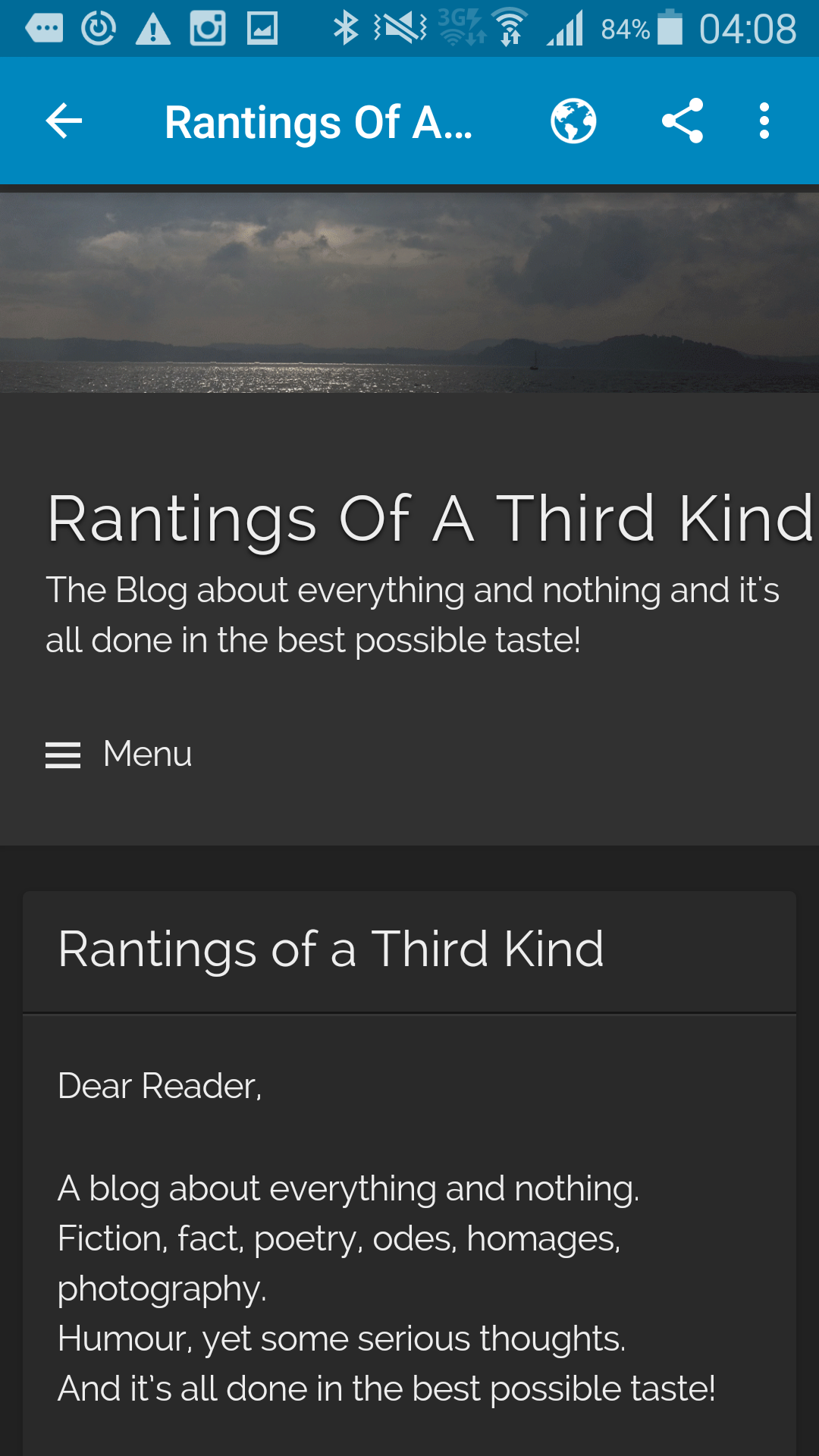
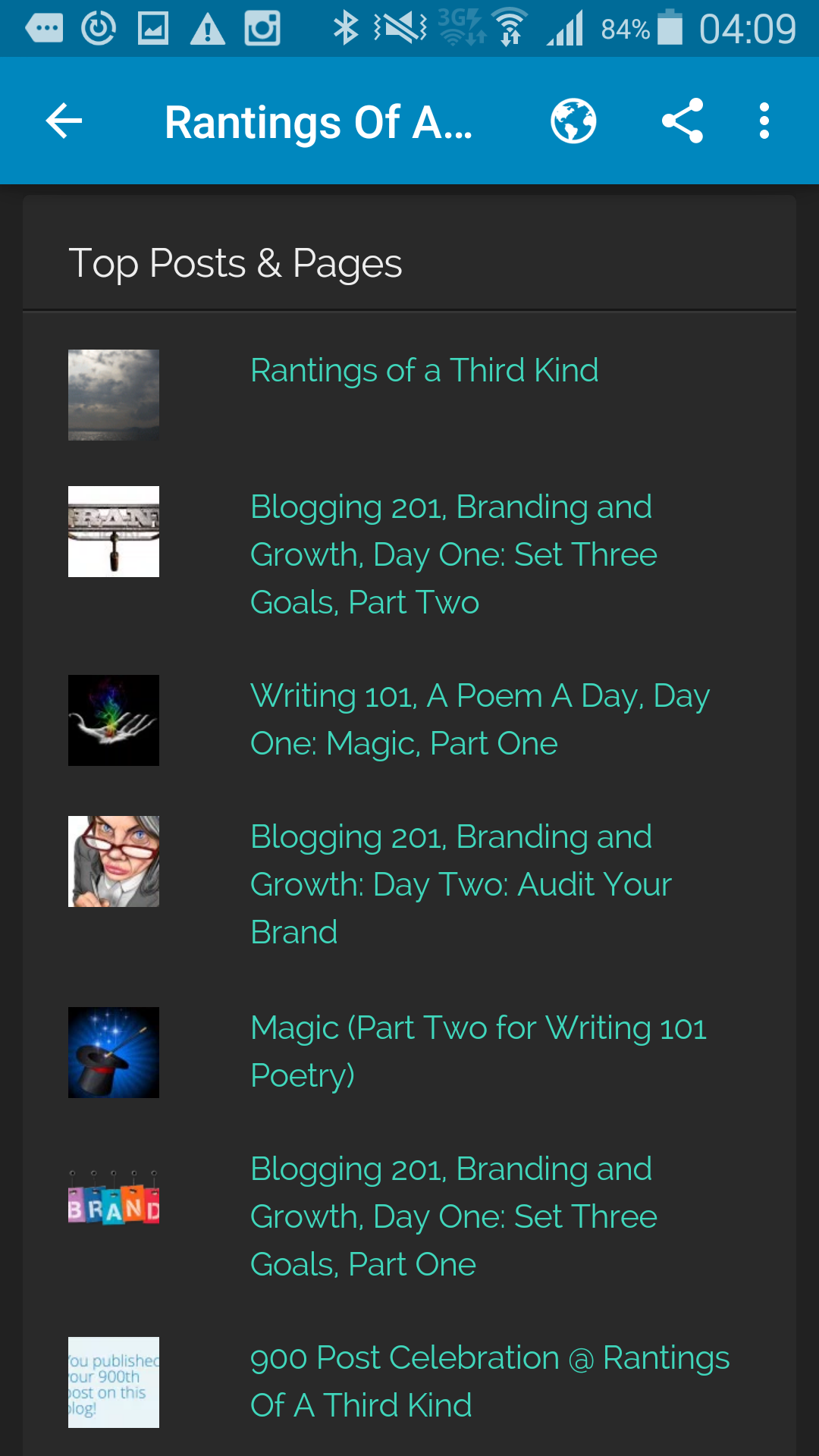
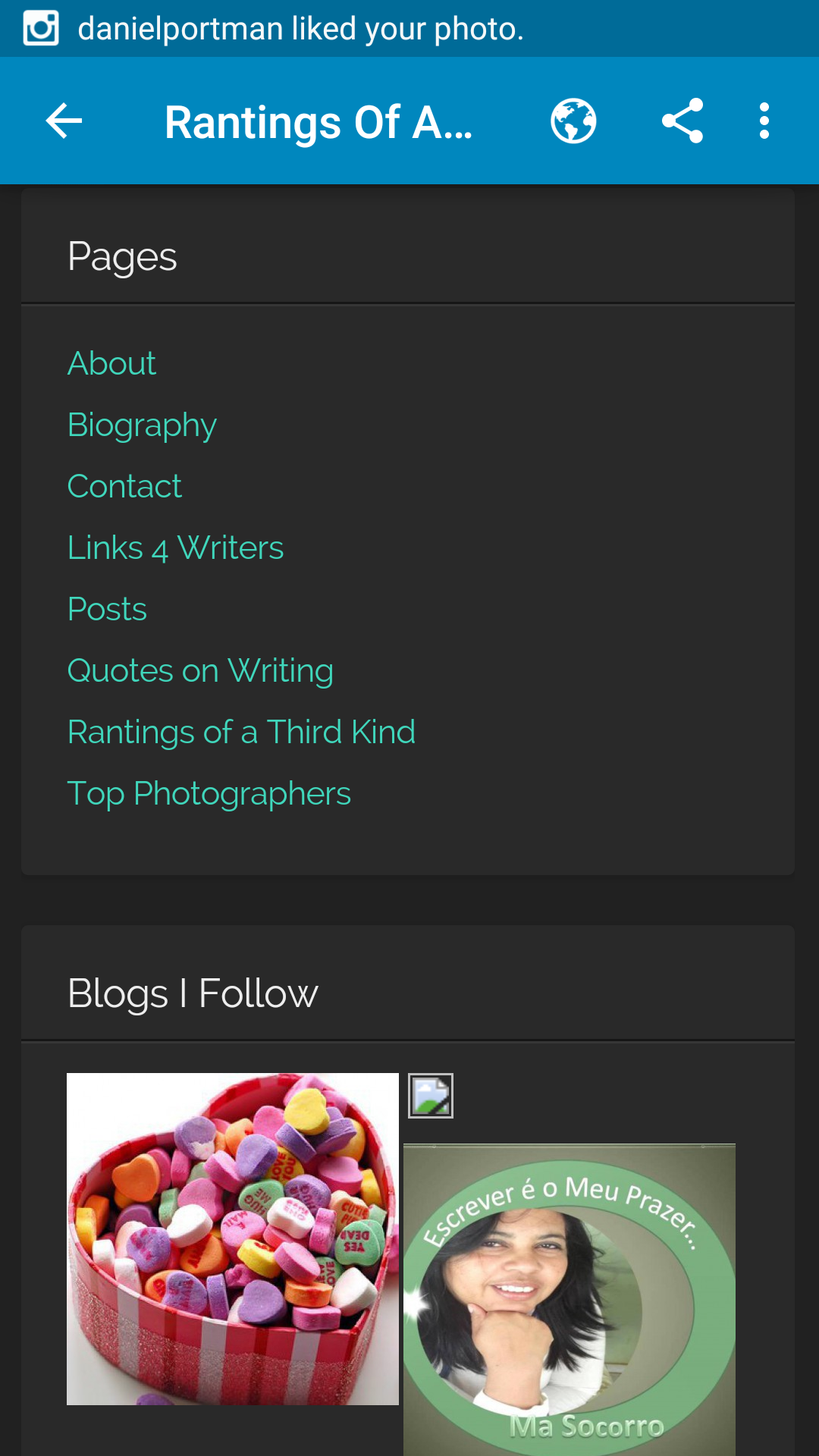
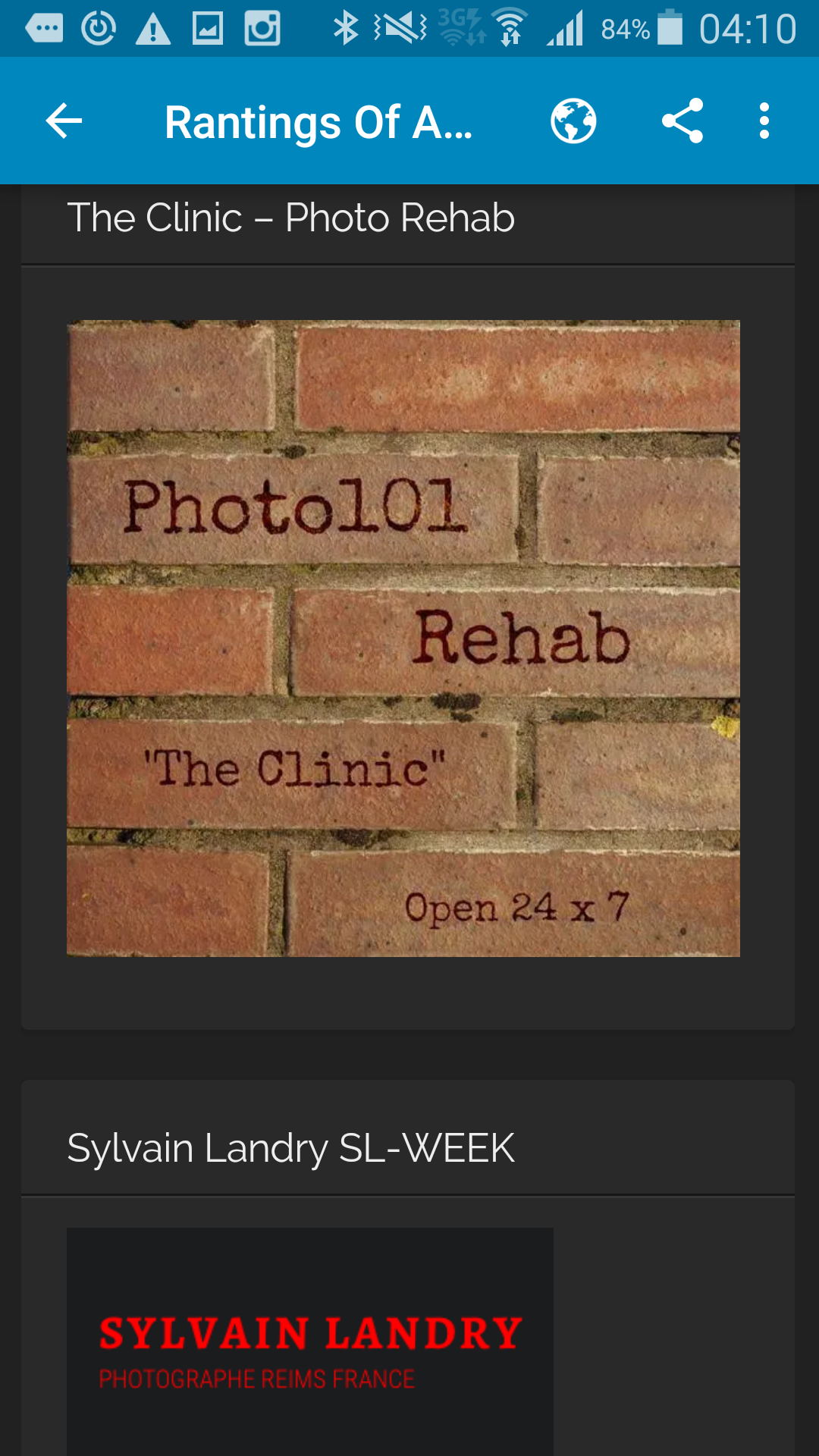
Here are some examples of the blog as seen throught my mobile phone:

2015-12-09 02.08.59   2015-12-09 02.09.16   2015-12-09 02.09.22

2015-12-09 02.09.27   2015-12-09 02.10.28   2015-12-09 02.09.33

2015-12-09 02.10.33   2015-12-09 02.09.38   2015-12-09 02.10.48

2015-12-09 02.10.23   2015-12-09 02.11.09   2015-12-09 02.11.18

Blogging 201, Branding and Growth: Day Four: Give ‘Em What They Want

Blogging 201, Branding and Growth: Day Four: Give ‘Em What They Want

Time to take a step back. Live with the design you have for the day while we switch gears and start focusing on your content. We’re diving into stats to learn more about what your readers love.

Today’s assignment: do a basic stats analysis to help you create an editorial calendar for the next 30 days.

c88K3

“There are lies, damned lies and statistics” Mark Twain

Blogging 201, Branding and Growth: Day Four: Give ‘Em What They Want

I have been following the statistics of my blog since day one, six months ago. Call it anal, call it interested, call it day job orientated motivation 😉 Keeping track on who, when, why is interesting. I quickly started utilizing the categories and tags for the posts. This helps on many levels; search, number or posts, statistics.

Due to working in full time employment in a completely different area means, that when I arrive back home, I start my second (albeit unpaid) job. This means all the brainstorming, writing and photographing happen between the hours of 5pm and usually 2 am, sometimes I am up until the sunrise next morning if I really have my inspiration on.

Since I am posting on daily basis now, with current setup of at least one poem and some photographs, there is no time to accumulate a backlog and vary the posting times. Luckily for me, this posting time (midnight for me) usually tends to be the busiest. Even my statistics sheet agrees!

My topics are as the blog tag line states: “Blog about everything and nothing and it’s all done in the best possible taste.” Meaning the content can be open to most every topic I can imagine. Possibly due to the simple fact, that humour plays a big role in most postings and adding photography to the mix, my followers seem to range from all ages and genders. Of course it is impossible to please everyone all the time, but I do have quite a few returning visitors and I try to do the same to my followings as well.

For statistics there is one qualm I have: those people who are not part of the WordPress community, cannot press the “LIKE” button. My followers by email only, exceed by two thirds the number of followers in the community. This also means I don’t get feedback from the email followers, unless they write me email or respond in the other social media forums.

monkey-blog

Blogging 201, Branding and Growth: Day Two: Audit Your Brand

Blogging 201, Branding and Growth: Day Two: Audit Your Brand

Some of us have purely personal sites to discuss the day-to-day, while others use our blogs as a springboard for other projects. No matter which describes you — or whether you’re a bit of both — you’re not just a blogger: you’re a brand.

You may never be Coca-Cola or Apple, but you can still use good branding to grow your blog.

Today’s assignment: audit your brand — look at all the ways you communicate information about your blog to make sure they’re consistent and focused — and make one update to reinforce it.

confrontational-audit-committee


“I always do a mental audit at the end of the week to make sure I’m balancing time between my career and my personal life” Jill Wagner

Audit Your Brand

ROATK

A blog about everything and nothing.
Fiction, fact, poetry, odes, homages, photography.
Humour, yet some serious thoughts.
And it’s all done in the best possible taste!


You can never go wrong with black background, white font and with a touch of gray, especially when photos are concerned. And since my blog is mostly about the photographs and the stories, then the outlook is excellent!

My current theme, The Visual Theme, serves well for both the written word and the images. The font and colours came with the theme and the simplicity pleases my eye at least for now. I have gotten a few compliments as well, so I know I am on the right track.

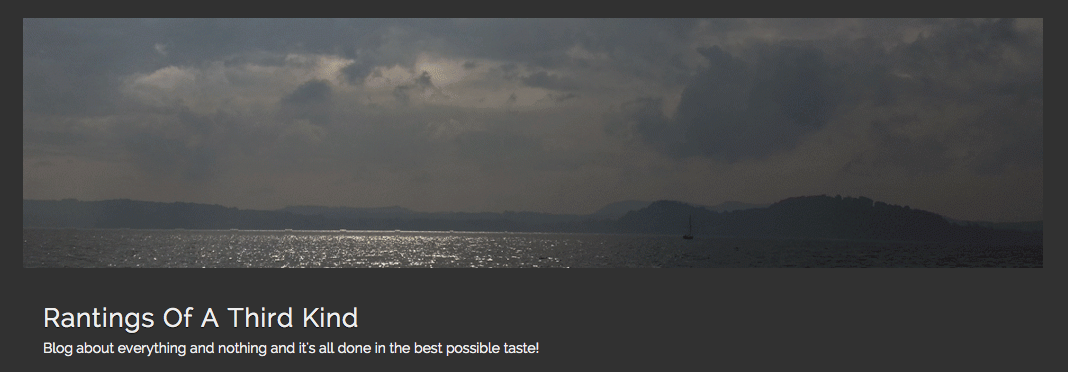
Rantings of a Third Kind, with the slug “Blog about everything and nothing and it’s all done in the best possible taste!” pretty much describes the nature of the blog, the writer and the contents. I do not really rant about things, but I like to keep that option open for the future;) I also have visions of adding more content like videos, short and longer stories, serials and photo stories to the site. A travel blog is in planning. Therefore I prefer not to tie the knot with any specific genre, format or subject.

My user name is my name, well, with a twist of course 😉

I also registered the domain for the site “rantingsofathirdkind.com” but am yet to implement the name change for the blog. I also have a domain for my user name “gunroswell.com” with an introductory page set up for the same.

I have used widgets to create more visibility for searches and links. Also keeping a calendar of the posts on the main page. In addition, advertising the community I follow.

I have accounts in Twitter, Facebook, Google+, LinkedIn, Tumblr, LiveJournal and Pinterest. This to advertise my postings to a wider audience outside the WordPress world. I have quite a few hits on Google alone and if you Google my name, site or use any of the tags for example from the fandom/homage posts, you can be certain my links will pop up on the top in a search!

For photographs, I also share them on Instagram, Flickr and the 500px community.


Tag line:
Rantings Of A Third Kind
Blog about everything and nothing and it’s all done in the best possible taste!

Contact and email:
A separate page for the contact form: https://atomic-temporary-83380856.wpcomstaging.com/contact/
Email address: gun@gunroswell.com


fit-for-purpose