Some Social Media Bullshit

‘Connecting people – The artist formerly known as Nokia’

27b1c2cdef8246d2f895bba44cc14f97

Some Social Media Bullshit

You don’t have to like it, but have to be in there: The social media of the world wide web. After all, who wants to be a complete social outcast!

Here are a few examples of what can be used for keeping in touch with family, friends and even your favourite movie stars!

* Assbook: Like opinions, everyone has more than one
* Angstagram: I post photos of myself and my eating habits, therefore I am
* Bitter: You would be too if no one is following you, right?
* Benchpress: For every self aware blabber, but more artistic ;P
* Tiedup: A must for professionals, endorse endorse endorse until you drop!
* You-boob: You did something stupid, maybe flashed a body part usually hidden, it got on video and uploaded on the internet and now you are the star of your own show!

A typical modern person’s day

@In the morning
The alarm clock is going off, it’s time to get up.
What is the first thing you do?

#Pick up your phone from the night stand and:

A) Check your social media apps
B) Check your email

@Driving in the car to your place of work.
Listening to the radio and the DJ is urging you to snap a photo and upload it to their site:

#uploadfunnypic

A) You are snapping selfies and almost bumping into the car that stopped in front of you. (The other driver possibly doing the same thing as you).
B) You are twatting your social media buddies of what you just did.

@Lunch time everyone with their phones in their respective hands. Not one word is spoken to anyone ‘live’, but they all are:

A) Chatting (and oh yes, there are actually office use approved ones too: Yank!)
B) Updating statuses on various social media apps.
C) Uploading photos of what they ate (of course, a must for every self aware social medialite).
D) Someone shared a funny video and twatted the link to everyone else around the table.
E) Everyone watching the video.
F) Everyone twatting feedback to each other.

@Coffee break everyone is:

A) Uploading photos of coffee and doughnuts they will consume.
B) Chatting with the people around the coffee table.

Back home from the office.

@Dinner table the family is sharing a meal and their respective day:

A-F apply here too.

@Midnight, bedtime:

A) Time to recap today’s event in your “blab”.
B) Latest friend updates to be checked (so not to miss any important things such as what your friends ate or what they were watching on TV, etc.)
C) Twatting everyone

#g’night!

Sometimes though, you have to be more low tech. For example in the situation, where your respective spouse is not quite on the same level of enlightenment regarding the social conventions of the social media as you are. Then you have to resort to archaic methods like the SMS.

Wishing your spouse

#sweet dreams xoxo

Lesson learnt:
Getting anything done; 3% is talent, 97% is staying off the internet.

social-networks2

Blogging 201, Day Seven: Custom Text and Image Widgets

Blogging 201, Day Seven: Custom Text and Image Widgets

We have a better sense of what widgets offer, so let’s go further. Completely custom widgets let you create a cohesive look from header to sidebar.

Today’s takeaways: you’ll learn how to create, upload, and configure custom widgets that extend the design elements you’ve been introducing elsewhere on your blogs.

Action time! Create a new custom image widget using the tutorial links above. if you don’t want to add any new widget content, add a graphic or photo element to an existing widget by using a custom image widget to add the graphic above the existing one.

rantings

“Blogging is … to writing what extreme sports are to athletics; more free-form, more accident-prone, less formal, more alive. It is in many ways, writing out loud” Andrew Sullivan, The Atlantic

Blogging 201, Day Seven: Custom Text and Image Widgets

Image widget basics

Using the image widget takes three steps:

– Upload an image to your blog’s Media Library.
– Add an image widget to your sidebar.
– Paste the URL of the image you uploaded into the widget.

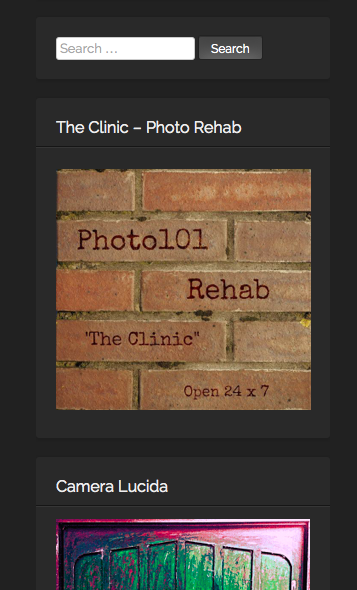
I have added several image widgets into my blog’s sidebar. Some of them are related to the challenges I participate in on a weekly basis, and some are for the various blogging university workshops I am /have taken part in and a few to writing sites as well.

I used to have the badges for all the nominations and blogger awards too, but the clutter got too much and I had to downsize. I am even thinking of doing more clean up after this blogging course 😉

Please find attached some examples of the same:
1    2

3    4

5    6

Keep calm and keep on blogging!

Blogging 201, Day Six: The Uncluttered Sidebar

Blogging 201, Day Six: The Uncluttered Sidebar

Time to move on to another part of your blog where small changes have a big impact: your sidebar.

Today’s takeaways: we’ll understand the purposes widgets serve, think critically about which widgets are most helpful for us, and start to basic widget customization.

Action time! Add one new widget to your blog — think strategically! — and customize its title and settings. You don’t have to keep it, but get comfortable with the process.

blog-is-merely-a-tool

“I think the word ‘blog’ is an ugly word. I just don’t know why people can’t use the word ‘journal.’” Moby

Blogging 201, Day Six: The Uncluttered Sidebar

Head to the Commons today to:

* Learn what widgets are how they’re useful
* Choose the right widgets for your blog
* Understand basic ways to customize widgets

I have found the widgets to be the most helpful and useful way to organize and arrange search both within the blog and to the outside links. I have also created a few widgets for some of the sites which challenges I take part in.

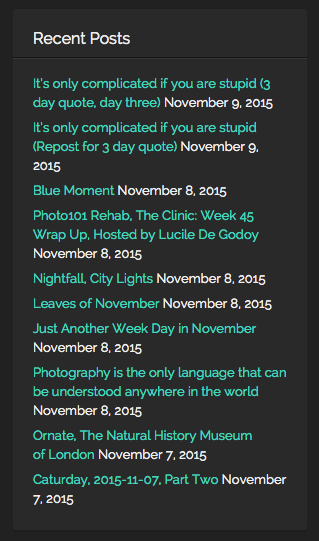
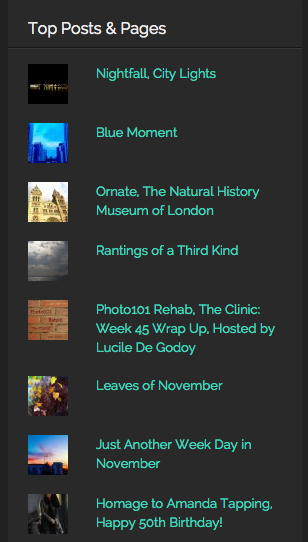
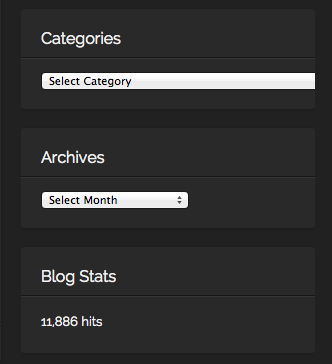
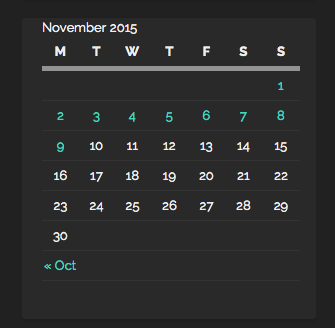
On the right hand side, I have placed widgets for; Recent posts, Top posts, Blogs I follow, Social Media buttons, Categories, Archives, Calendar, Blog following, Flickr and Instagram Photos among others. I put them in an order, which I consider to be most important (ascending order). Of course, I do change the order from time to time, depending, if I need to add or remove something.

Here are some examples from my blog:

Recent Posts    Top Posts

Categories, By Month   SoMe

Monthly    Challenges, Sites part of


Keep calm and keep on blogging!

i-m-famous-but-no-one-knows-it-yet

700 Post Celebration @ Rantings Of A Third Kind

Celebration time on Rantings Of A Third Kind

redballoons

“I blog, therefore I am”

700 Post Celebration @ Rantings Of A Third Kind

700th

Today is a great day and certainly a time for celebration!
I have posted my 700th post on Rantings of a Third Kind.
Thanks to all my followers and readers for keeping me going!

Keep calm and keep on blogging!
Gun

blog def

Blogging 201, Day Five: Free Day!

Blogging 201, Day Five: Free Day!

We know there’s been a lot to digest, so today is a free day! Use it to spend more time on something you didn’t quite grasp the first time around, to experiment with more headers and backgrounds, or to offer feedback and support to others.

Pro tip: If you want a place to play with colors and images without worrying about affecting your blog, create a free, private test blog where you can experiment to your heart’s content away from the public eye. Here’s how.

images-1

“A blog is neither a diary nor a journal. Many people think of blogging in relation to those two things, confessional or practical. It is neither but includes elements of both.” Lemn Sissay

Blogging 201, Day Five, Free Day

* Test blog: (https://dailypost.wordpress.com/2013/10/30/test-blogs/)
* Test drive themes and explore their options to find which you like best.

* Try different layouts — one sidebar, or two? A static home page? Custom menus? — and see what suits your content.
* Practice your WordPress.com skills. Insert a tiled gallery of images, or embed a few tweets. Play with post formats. Create a custom form, and tweak the fields. Get comfortable with the tools at your disposal.
* Give CSS a try. Hide a post’s metadata or change the padding around images without worrying that you’ll accidentally delete your header or turn your font purple.

This is an excellent and useful tool! Rather than accidentally mess up your live blog, I was able to fool around with “what could be”.

Summa sumarum: I will run my simulation on new ideas, code and what have you in the testbed from now on as I endeavour to improve my blog. But on that same note, and not to repeat myself once too often, I will keep my blog as is, at least for time being.

Keep calm and keep on blogging!

keep calm and

Blogging 201, Day Four: Backgrounds and Fonts

Blogging 201, Day Four: Backgrounds and Fonts

You’re a theme pro, and you have a great plan for your header. Time for two more free tweaks that add a lot of texture to your blog — backgrounds and fonts.

Today’s takeaways: you’ll learn how to change your background color or add your own image, understand the effect different colors and patterns have on your blog, explore background shades that work with the other colors and patterns on your blog, and learn to pick the right font for you.

blog pic 1

“Every time you post something online, you have a choice.You can either make it something that adds to the happiness levels in the world—or you can make it something that takes away”

Blogging 201, Day Four: Backgrounds and Fonts

* Step-by-step instructions on adding or changing your background
* Background dos and don’ts
* A primer on color theory to help you identify hues that work together
* How to choose and change fonts

After running the blog with a few colours other than the black, oddly enough, I returned to black 😛 This colour seems most fitting for my photographs and combined with white font, the outcome is simple and perfect in my eyes. Dark gray is also great for photos as is a very dark blue.

blog pic 2

I also tried to increase the font, but it seems the current default setup is great, especially for mobile devices with smaller screens i.e. phones.

mobile 1

Main view of the blog

mobile 2

Post example

Blogging 201, Day Three: Custom Headers

Blogging 201, Day Three: Custom Headers

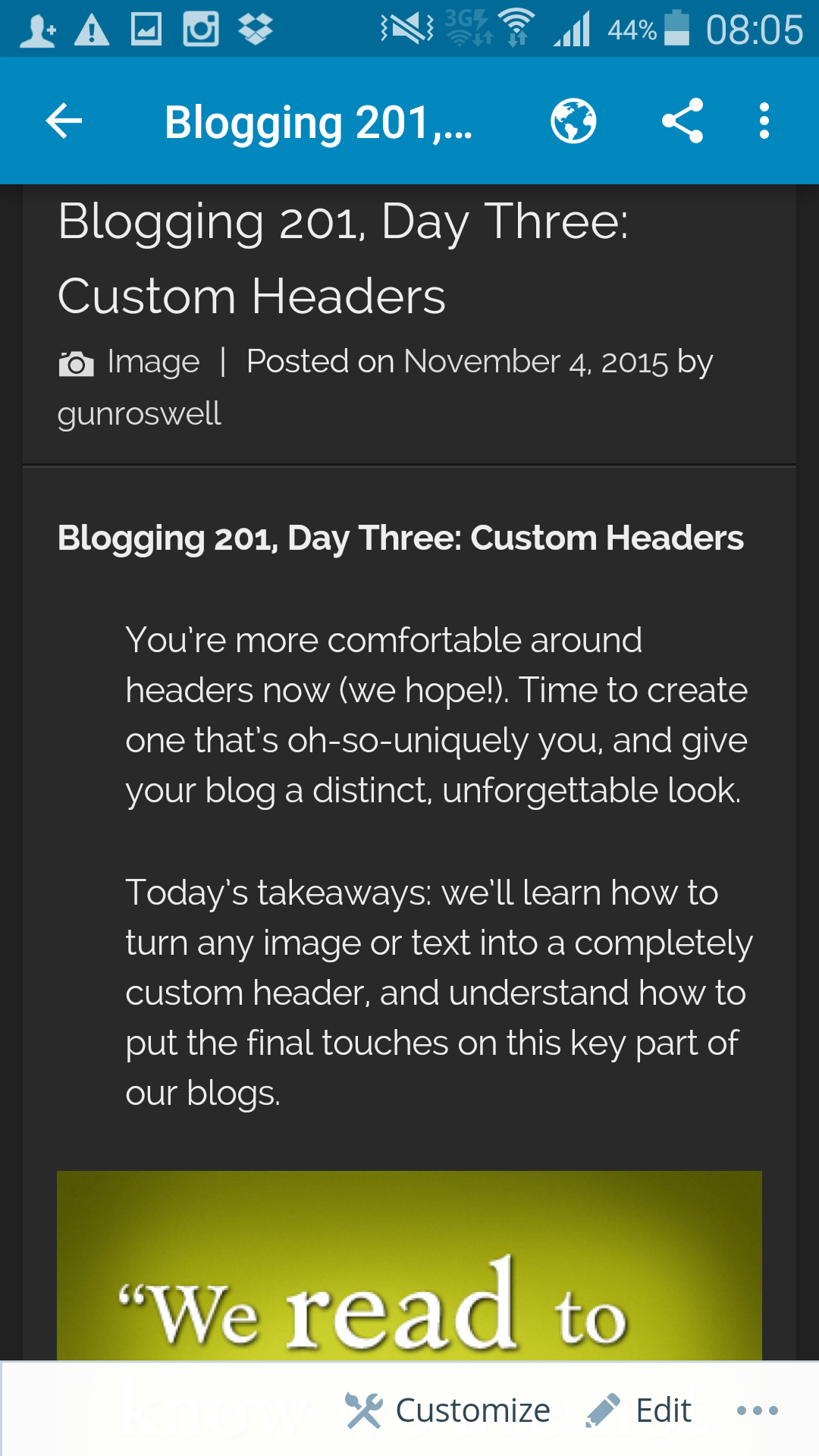
You’re more comfortable around headers now (we hope!). Time to create one that’s oh-so-uniquely you, and give your blog a distinct, unforgettable look.

Today’s takeaways: we’ll learn how to turn any image or text into a completely custom header, and understand how to put the final touches on this key part of our blogs.

cslewis

“Blogging is great, and I read blogs all day long. However, my goal is really to have a deep, meaningful discussion with people. For some reason, I’m able to accomplish this best via email” Jason Calacanis

Blogging 201, Day Three: Custom Headers

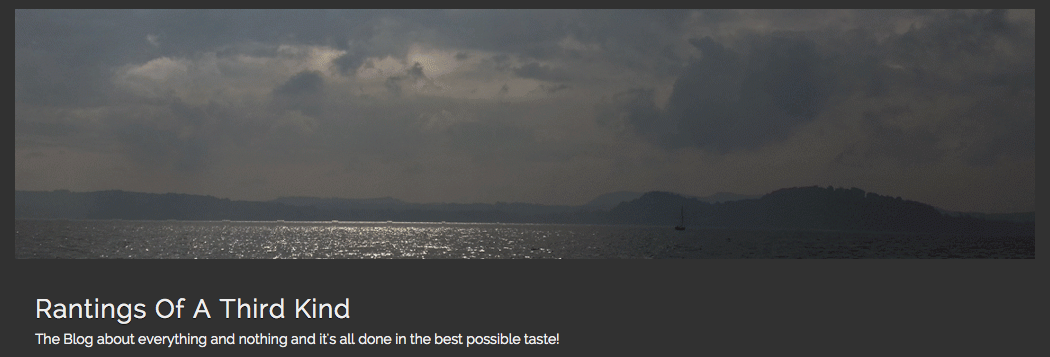
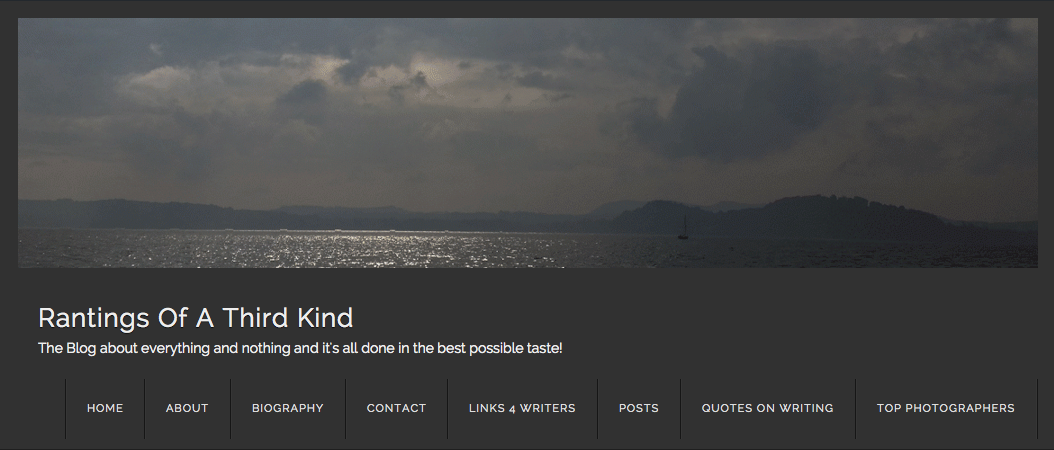
My header is customized using an image from my personal archives and stating the blog’s mission quite nicely:

Rantings Of A Third Kind
The Blog about everything and nothing and it’s all done in the best possible taste!

cropped-16576191154_4f1125227f_o

500 WordPress Followers for Rantings Of A Third Kind

Celebration time on Rantings Of A Third Kind

celebration-image

rantings

“There are 100 million blogs in the world, and it’s part of my job as the co-founder of WordPress to help many more people start blogging” Matt Mullenweg

500 WordPress Followers for Rantings Of A Third Kind

Screen Shot 2015-11-04 at 3.04.42 PM

I am happy to announce a new milestone achievement today: A total of 500 Word Press bloggers are now following Rantings of a Third Kind!

wp following
A most sincere and huge thanks to all my fellow Bloggers!
Keep calm and keep on blogging!
Gun

Celebration-Wallpaper-HD-1200x800

I write, therefore I am

Writing 101, Day One, I write because . . .

“Why do you write? This is a question you can answer again and again, as your response might evolve over time. You may have already addressed it in a previous blog post. Some bloggers also use this question, and variations of it, to shape their bios and About pages. Why am I here? Who am I? Why do I blog?”

complainlesswritemore

“Either write something worth reading or do something worth writing” Benjamin Franklin

I write, therefore I am

I don’t remember a time when I wasn’t writing.

I did my first “screenplay” at the age of five with crayons and forced my whole family to watch the Christmas play I wrote, produced and even acted in too! Later in my teens, I started writing fan fiction for my favourite shows on television, way before the internet, fan fiction as such and even personal computers were invented. I loved the weekly challenges for writing in school and of course, I was a book junkie too.

Writing for me has been sporadic at best and I mostly consider myself a closet writer. I am in the closet, out of the closet, back in and now finally out again, publishing on the internet as much and as often as humanly possible 😉

I am also a poet, and did not know it: True in many ways, as I write from anything and everything. My inspiration can be a phrase I heard on the lift ride or something from the morning radio. Mainly, these days, I get inspired from the pictures I take.

For me, personally, writing is an creative outlet for the mundane working day. If I do not write, I am be a very, very, very cranky person ;P

My motto is: A poem a day, keeps the mental doctor away!
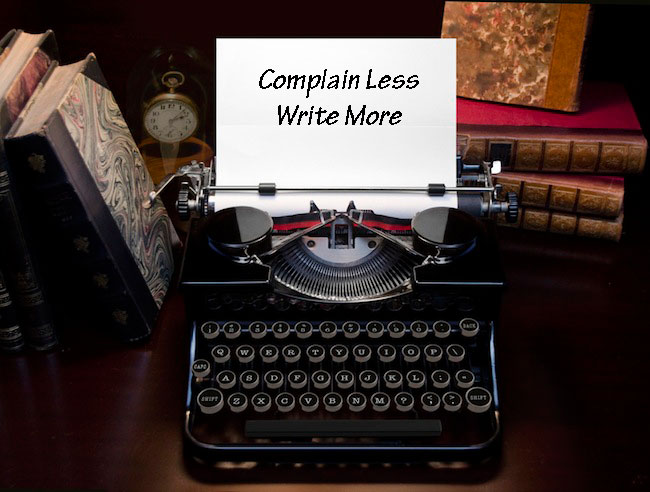
The second motto is: Write more, complain less!

tumblr_n70jdhtcex1sag14uo2_500

I follow these guidelines every day, no matter if it is a holiday or working day. If it shines or rains, I’ll be there, in the internet, writing on my blog!

macbook

Keep calm and keep on writing!

chalkboard_quotes_twain

Blogging 201, Day 1: Understanding Your Theme

Blogging 201, Day 1: Understanding Your Theme

“Your theme is the foundation of your blog’s layout. To start, let’s make sure we understand what our themes can do.

Today’s takeaways: Where to find our theme’s details, what all those features and functions do, and how to find theme-spiration.”

Action time! After finding your theme’s details, try one new feature you never realized your theme had — a template, a specialized theme option, a post format. You can remove it if it doesn’t float your boat, but give it a try!

title

“Don’t procrastinate. If you want to blog, then blog.” Fritz Chery

Blogging 201, Day 1: Understanding Your Theme

* Finding your theme’s details
* Understanding theme features
* Finding theme inspiration

“Keep it simple stupid” is a great guideline to follow for any occasion. How many times have you stumbled into a blog where there are lots of thing-a-magics and doo-das and you scroll, scroll, scroll and there is never an end in sight…

So for myself, especially taking lots of photographs, I love the black and white theme, which brings out the best especially for colour pictures. I also like a structured theme, where, at least on the main page, there is a clear intro in one frame and the title with links -frame will follow through out the pages. In addition, the widgets frame runs smoothly on one side of the page.

Today, I dared to venture with my blog and tried of for size the “Cubic” and the “Intergalactic” themes, as they both looked great in the demo. I have also tried out several themes on my blog before and ran with them until I found the current one. At the end of the experiment, I returned back to the “old faithful” theme of “The Visual Theme”.

Keep calm and keep on blogging!

blog-details