Blogging 201, Day Six: The Uncluttered Sidebar
Time to move on to another part of your blog where small changes have a big impact: your sidebar.
Today’s takeaways: we’ll understand the purposes widgets serve, think critically about which widgets are most helpful for us, and start to basic widget customization.
Action time! Add one new widget to your blog — think strategically! — and customize its title and settings. You don’t have to keep it, but get comfortable with the process.

“I think the word ‘blog’ is an ugly word. I just don’t know why people can’t use the word ‘journal.’” Moby
Blogging 201, Day Six: The Uncluttered Sidebar
Head to the Commons today to:
* Learn what widgets are how they’re useful
* Choose the right widgets for your blog
* Understand basic ways to customize widgets
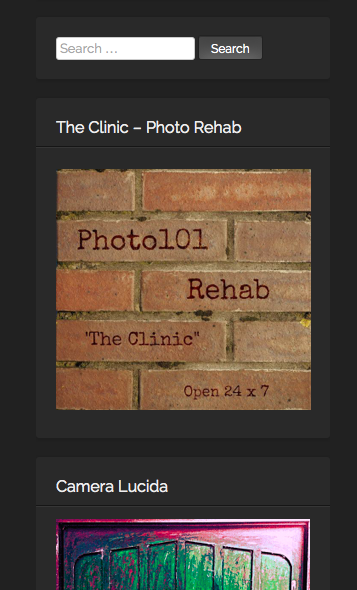
I have found the widgets to be the most helpful and useful way to organize and arrange search both within the blog and to the outside links. I have also created a few widgets for some of the sites which challenges I take part in.
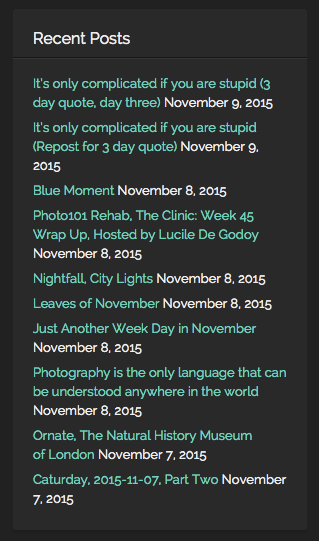
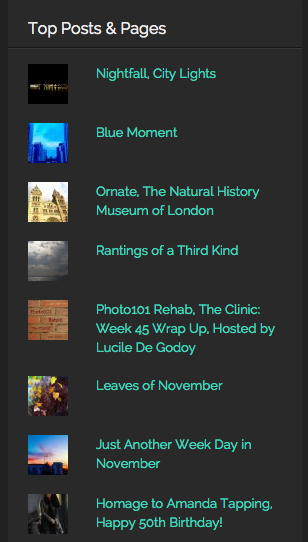
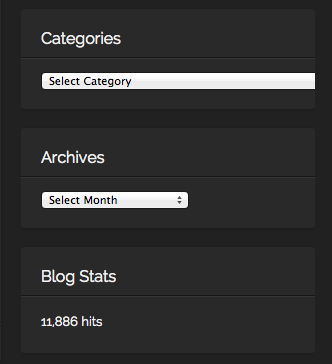
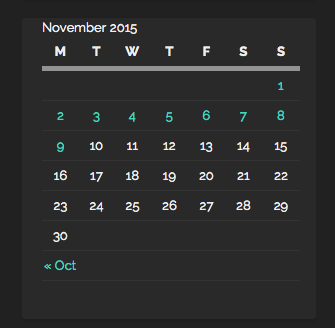
On the right hand side, I have placed widgets for; Recent posts, Top posts, Blogs I follow, Social Media buttons, Categories, Archives, Calendar, Blog following, Flickr and Instagram Photos among others. I put them in an order, which I consider to be most important (ascending order). Of course, I do change the order from time to time, depending, if I need to add or remove something.
Here are some examples from my blog:




Keep calm and keep on blogging!






 Rantings Of A Third Kind