

Blogging 201, Day Ten: HTML Columns, Tables, and Post Styling
Once you have some basic familiarity with HTML, you can use the HTML Editor to add code that overrides the Visual Editor’s defaults — handy for poets, creative writers, and anyone who has a very specific idea of how they want their posts to look.
Today’s takeaway: we’ll understand how to use HTML to manipulate a post’s formatting — making columns, adding (or removing) spacing, creating unusual indentation, and more.
The Visual Editor does a pretty good job of formatting content in a neat, reader-friendly way. But what if you have a particular vision for your post, and it doesn’t give you enough flexibility? HTML to the rescue.

” I don’t want to go viral, I want to set hearts on fire. ― Coco J. Ginger”
Blogging 201, Day Ten: HTML Columns, Tables, and Post Styling
Head to the Commons to learn:
* How to use preformatting to space text exactly as you’d like
* How to control line breaks and indentation
* How to create columns
* How to add tables
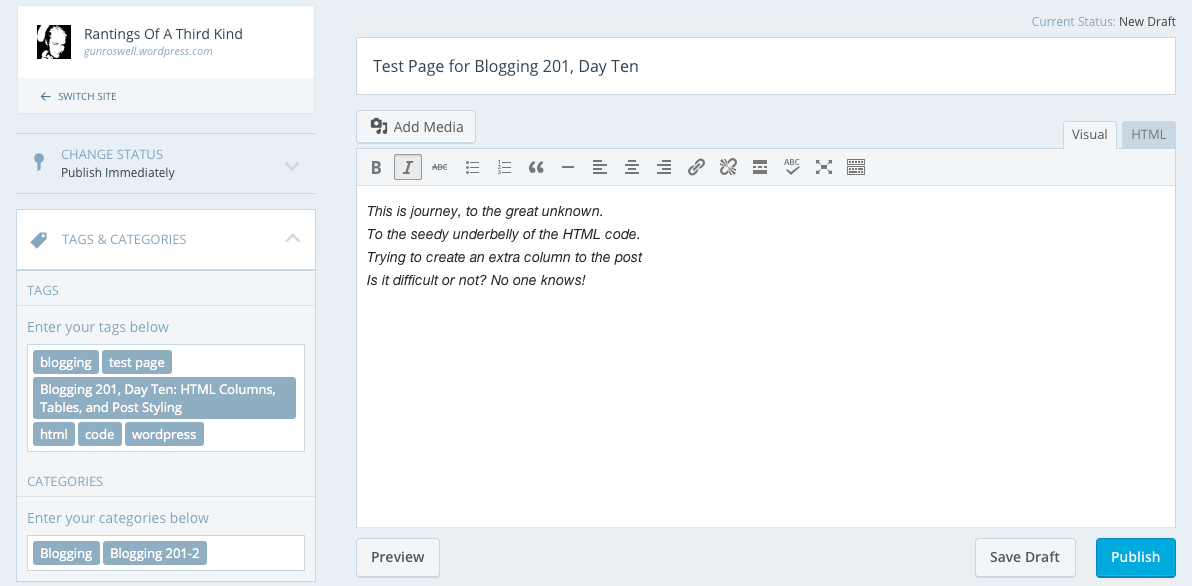
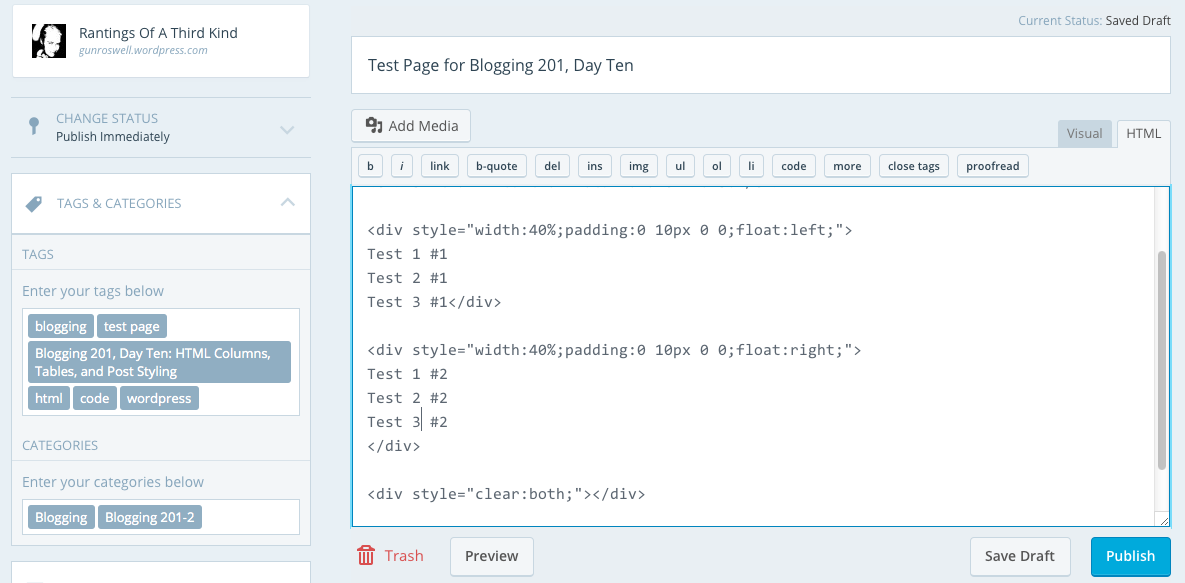
Action time! Open a draft post, and create either a column or table from scratch using HTML. (You can trash the post when you’re done.)
My effort for the day:
Day Ten, Part Two
Keep calm and keep on blogging!





 Rantings Of A Third Kind