I Blog therefore I am (Repost for TBT)

Posted in the Throwback Thursday weekly series
Poetry, photography, tales and things that nature!

“If I waited until I felt like writing, I’d never write at all” Anne Tyler

blogging4

I Blog therefore I am

Today is my day off, so I have some extra time on my hands (Laughs out loud; good joke that one! While trying hard to catch up with a lo-oong list of uncompleted tasks!) I had to take the day off just to be on the safe side, and well prepared for the up and coming huge “Five O” day tomorrow. Readying myself for the celebration (read awaiting in horror of dooms day!) 😛

I have gotten a few questions on “how I manage to keep up and publish posts on daily basis” and decided to drop this little note to all you bloggers out there.

I promised myself a while back to write “at least” a poem a day, if nothing else and I have almost achieved that goal. I also try to post them daily, or then at least catch up the next day with a couple of posts. The writing is mostly for myself, but I am glad others enjoy it as well. It is also good to keep up with publishing(posting), so that your readers have something to come back to.
Let me share this one personal thing as to why now:

If I hadn’t started writing again earlier this year, I would probably have suffered a second burn out during my current career. For me, personally, both writing and photography are outlets to a hectic day at the office and, well, life in general. Sometimes I end up staying awake all the night typing away, even though knowing I have to go to work early in the morning. I still see it as time well spent. And, even though tired the next day, I feel happy and exhilarated for the simple fact I actually am producing something concrete and interesting, which unfortunately, doesn’t usually happen in the day job.

Quoting myself from one of my posts: “A poem a day keeps the shrink at bay.
A great guideline to follow and it is working for me at least.

My advice, in case you asked, is, to set yourself some thirty minute aside each day and if nothing else, pour your minds flow onto the paper or as it is in these modern days, in bits and bytes. I know this may sound like cliched advice, but it’s better to force yourself to a routine of writing rather than postponing it for one reason or another. I know there are always excuses as to why not, but in the end, if you have a passion for writing, the excuse are just that – excuses.
Hang in there and don’t stop writing, EVER!


blogging-quotes-8.jpg

Blogging 201, Day Nine: HTML Basics

Blogging 201, Day Nine: HTML Basics

A few days ago, we talked about text widgets and gave you a bit of code that would let you display an image in a text widget. That code was HTML, and there’s lots more it helps you do.

Today’s takeaways: we’ll understand what HTML is, how to find our posts’ and pages’ HTML, and a few foundational HTML tags.

The content of all your posts and pages is written in HTML, even if you don’t know it. When you’re drafting, you have access to a Visual Editor and an HTML Editor. The Visual Editor approximates what your post will actually look like, and automatically creates the HTML. The HTML Editor lets you see and edit the underlying code; viewing your post in the HTML Editor gives you some more editing options, and can help clarify why your posts look the way they do.

html1


“Not only are bloggers suckers for the remarkable, so are the people who read blogs” Seth Godin

Blogging 201, Day Nine: HTML Basics

Head to the Commons to learn:

* What HTML is, and how to find yours
* Basic text styling with HTML
* Inserting links with HTML
* Inserting images with HTML

Action time! In your next post, create a link using HTML.

binaryfox__computer_background_by_wickedoreo-d5hlldg

First off, I have to admit I am actually quite familiar with HTML (and XML). I was already coding some twenty years ago with C, Java and C++. First in school, then in school again and surprisingly, the third time in school. I actually have a degree both in software and web design. But as life would have it, I ended up doing completely different things in the wide world of IT.

I have worked with MS SharePoint and Joomla, which in many ways are similar to the current offering of WordPress in the form of a blog site. I also used to build and host my own sites over ten years ago, when no such thing as blogging, twitter or similar existed. And believe you me, it took a lot of time and effort to complete one simple site.

Guess what I am trying to convey here is: Thank goodness for built in HTML editors, where I don’t have to worry about code anymore! Saves me a lot of time and effort to make a simple post out there for the world to see! But that being said…

In response to the action given, please visit my personal home page as guided by this link, done in HTML code:

Check out my personal home page!


Keep calm and keep on blogging!

stock-footage-d-background-of-green-binary-numbers

Blogging 201, Day Eight: Widget Visibility

Blogging 201, Day Eight: Widget Visibility

Widgets: can there possibly be anything left to learn? Yes! Time to dig in to widget visibility.

Today’s takeaway: learn to specify exactly which widgets appear on which posts or pages by using the visibility settings built in to each one.

Action time! Adjust the visibility settings of one of your widgets. You can always undo it, but get a sense of how the settings work.

simplified-blogging copy
“I no longer buy papers or tabloids or magazines or read blogs. I used to.” Adele

Blogging 201, Day Eight: Widget Visibility

Using widget visibility to your advantage

* Hide your Flickr Widget on posts tagged with “photography” if you don’t want Flickr image thumbnails displayed when visitors are viewing a photo-heavy post. (There is such a thing as image overload!) (Select Hide and add Tag is Photography.)

* If you have a group blog, show the Twitter Widget of the appropriate contributor on posts tagged with that author. (Select Show and add Author is [Contributor’s Name].)

* If you’re an author, hide the custom Image Widgets linking to your books on your “Books” page to avoid duplicate information. (Select Hide and add Page is Books.)

* Hide the widget displaying your blogroll on a “Favorites” page, which may also be full of links. (Select Hide and add Page is Favorites.)

I was playing around with the visibility settings a little bit today. I found it useful for the sidebar to be visible for the pages and posts. It’s very easy to navigate back and forth, when the options are handy on the right hand side, rather than using the back button or having to scroll endlessly.

The “hide” and “unhide” is an great option, if you have specific widgets and it was great to have learnt the how-to today:)

Keep calm and keep on blogging!

blogCartoon copy

Blogging 201, Day Seven: Custom Text and Image Widgets

Blogging 201, Day Seven: Custom Text and Image Widgets

We have a better sense of what widgets offer, so let’s go further. Completely custom widgets let you create a cohesive look from header to sidebar.

Today’s takeaways: you’ll learn how to create, upload, and configure custom widgets that extend the design elements you’ve been introducing elsewhere on your blogs.

Action time! Create a new custom image widget using the tutorial links above. if you don’t want to add any new widget content, add a graphic or photo element to an existing widget by using a custom image widget to add the graphic above the existing one.

rantings

“Blogging is … to writing what extreme sports are to athletics; more free-form, more accident-prone, less formal, more alive. It is in many ways, writing out loud” Andrew Sullivan, The Atlantic

Blogging 201, Day Seven: Custom Text and Image Widgets

Image widget basics

Using the image widget takes three steps:

– Upload an image to your blog’s Media Library.
– Add an image widget to your sidebar.
– Paste the URL of the image you uploaded into the widget.

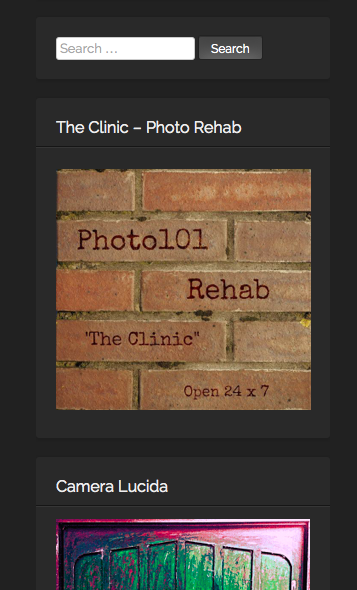
I have added several image widgets into my blog’s sidebar. Some of them are related to the challenges I participate in on a weekly basis, and some are for the various blogging university workshops I am /have taken part in and a few to writing sites as well.

I used to have the badges for all the nominations and blogger awards too, but the clutter got too much and I had to downsize. I am even thinking of doing more clean up after this blogging course 😉

Please find attached some examples of the same:
1    2

3    4

5    6

Keep calm and keep on blogging!

Blogging 201, Day Six: The Uncluttered Sidebar

Blogging 201, Day Six: The Uncluttered Sidebar

Time to move on to another part of your blog where small changes have a big impact: your sidebar.

Today’s takeaways: we’ll understand the purposes widgets serve, think critically about which widgets are most helpful for us, and start to basic widget customization.

Action time! Add one new widget to your blog — think strategically! — and customize its title and settings. You don’t have to keep it, but get comfortable with the process.

blog-is-merely-a-tool

“I think the word ‘blog’ is an ugly word. I just don’t know why people can’t use the word ‘journal.’” Moby

Blogging 201, Day Six: The Uncluttered Sidebar

Head to the Commons today to:

* Learn what widgets are how they’re useful
* Choose the right widgets for your blog
* Understand basic ways to customize widgets

I have found the widgets to be the most helpful and useful way to organize and arrange search both within the blog and to the outside links. I have also created a few widgets for some of the sites which challenges I take part in.

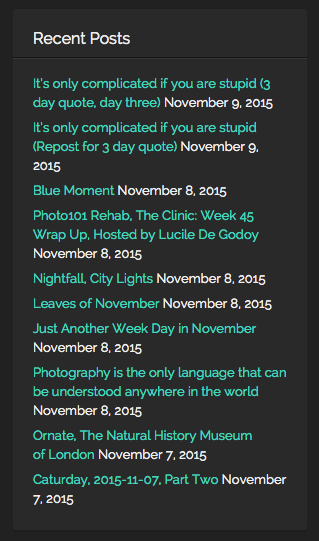
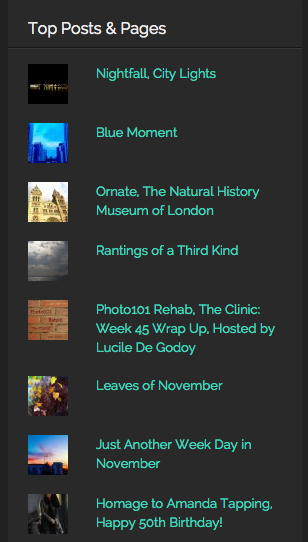
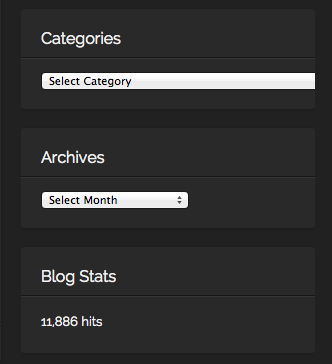
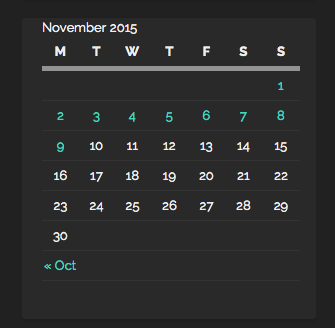
On the right hand side, I have placed widgets for; Recent posts, Top posts, Blogs I follow, Social Media buttons, Categories, Archives, Calendar, Blog following, Flickr and Instagram Photos among others. I put them in an order, which I consider to be most important (ascending order). Of course, I do change the order from time to time, depending, if I need to add or remove something.

Here are some examples from my blog:

Recent Posts    Top Posts

Categories, By Month   SoMe

Monthly    Challenges, Sites part of


Keep calm and keep on blogging!

i-m-famous-but-no-one-knows-it-yet