Throwback Thursday 2015-12-17

Throwback-thursday-logo

“By Thursday morning, we’d gotten over the worst of it” William Scranton

Throwback Thursday 2015-12-17

Today is time for a walk down memory lane again and dig into the archives of Rantings Of A Third Kind since the beginning of time. Well at least from the beginning of this blog 😛

Here are a few featured today:

It’s About As Funny As A Root Canal (Repost for TBT)

fairy

I am Out of Order for Today (Repost for TBT)

out-of-order


Let the Rantings continue!!!

throwbackthursday

I am Out of Order for Today (Repost for TBT)

“The elevator to success is out of order. You’ll have to use the stairs… one step at a time.” Joe Girard

I am Out of Order for Today

Call it
A writer’s block
Or a total lock
My mind just
Put up the sign

“Empty room
For hire”

I will not pine
Somewhere
The fire
Can be found
Lifting me
Off the ground

To unblock
I will catch
The hook
To unlock
My writer’s mind

out of order

800 Followers for Rantings Of A Third Kind

Celebration time on Rantings Of A Third Kind

celebration-image

rantings

“Developing your blog is a balancing act between appeasing current readers and reaching out to new ones.” Scribendi

800 Followers for Rantings Of A Third Kind

I am happy to announce a new milestone achievement today: A total of 800 readers are now following Rantings of a Third Kind!

Screen Shot 2015-12-16 at 11.57.14

A most sincere and huge thanks to all my readers!

Keep calm and keep on blogging!
Gun

Celebration-Wallpaper-HD-1200x800

Blogging 201: Day Eight: Make Your Blog a Hub

Blogging 201: Day Eight: Make Your Blog a Hub

blog-joke-3

“Despite the fact that no one views or cares about my blog, I will continue to spend the majority of my life updating it” Unknown

Blogging 201: Day Eight: Make Your Blog a Hub

The internet is a big playground. If you’re serious about your development as an online publisher, you need to think about opportunities beyond your blog, with your blog as your digital homestead.

Think of your site as a space to develop your online presence and personal brand strategically, promote your work in a way that makes sense for you, and connect and share your other projects and work across the web: a hub for you, as well as a place to publish posts.

Today’s assignment: create a page or section on your blog to display links to your online presence elsewhere, and make sure your other presences reflect the brand you’re developing on your blog.

Why do this?

– Because as online publishers, our work is naturally scattered across the web — you want your readers and followers to find you. Building your personal brand means expanding your reach beyond your blog while keeping it the focus.
– Because sometimes you have material that doesn’t quite fit on your site, and you want to make this complementary work accessible.

On the main page of Rantings Of A Third Kind, the social media buttons are present in several places. Both the Instagram and Flickr feeds are shown as widgets. What is still missing, is the widget for the 500px feed, work in progress to find and making it.

On the “About” and Biography pages the social media links are presented in their own sections.

Those of you who have ventured to my blog and browsed about, may have noticed this page:

Links 4 Writers

This page contain links where writers can find information on writing, submissions and other connection hubs. I also have a profile on the Stage32 hub.

Related posts:
Blogging 201: Day Six: Dig Deep into a Social Network
Blogging 201, Day Four: Give ‘Em What They Want
Some Social Media Bullshit

blogging-585x333

Blogging 201: Day Six: Dig Deep into a Social Network

Blogging 201: Day Six: Dig Deep into a Social Network

images

“The Internet destroyed most of the barriers to publication. The cost of being a publisher dropped to almost zero with two interesting immediate results: anybody can publish, and more importantly, you can publish whatever you want.” Dick Costolo

Blogging 201: Day Six: Dig Deep into a Social Network

Today’s Assignment: pick one social network you’ll use to help grow your blog. Then, outline a plan for how you’ll use it.

Why do this?

• Because blogging is about building a community, and other social networks have ready-made communities.

• Because social networks are a great place to continue tangential conversations and experiment with content. Facebook, Twitter, Pinterest, Instagram, LinkedIn…where to start? A big brand might use every single one, but a big brand also has a social media department. You have the Department of You, so be selective.

I went “social media” the first day of my blog: Facebook, Twitter, Instagram, Flickr, 500px, LiveJournal, Tumbler, Pinterest, Google+ and LinkedIn.

All the posts published are sub-posted on these sites. I am getting followers from all these sites and even feedback given through them or email. I don’t see a blog surviving without the social media, with the good and the bad which it contains. I have said it in the past and will say again: I have a love-hate relationship with the social media, but as the old adage goes: Better the Devil you know 😉

I have also reposted several bloggers’ posts, which I have found to be something to be shared to a wider audience and intend to continue doing so also in the future.

Related posts:
Blogging 201, Day Four: Give ‘Em What They Want
Some Social Media Bullshit
new-yorker-blogger-cartoon

Who the Hell is Gun?

Posted in Camera Lucida Photo Challenge, Self Portrait
Photography and Poetry

gun-1

“I cannot sing, dance, act or write, but it never stopped me from doing any of those things” Gun Roswell

Who the Hell is Gun?

She thinks she is the Gun with the fastest bullets
She sure loves her creature comforts
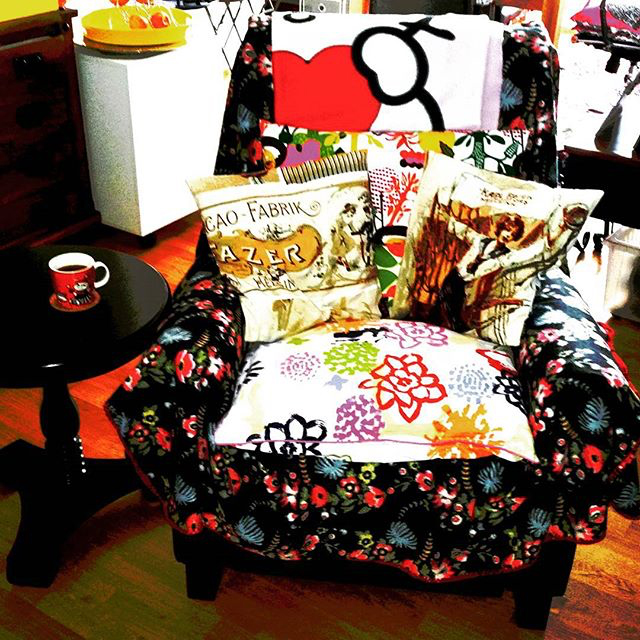
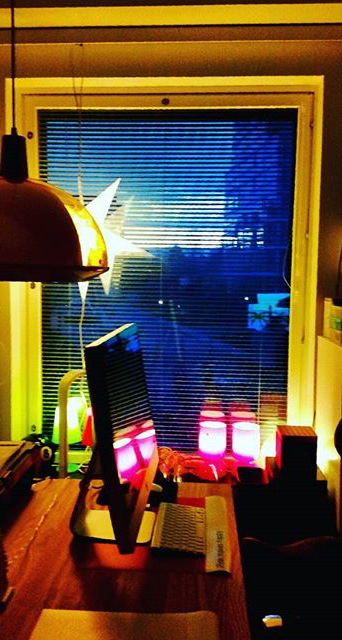
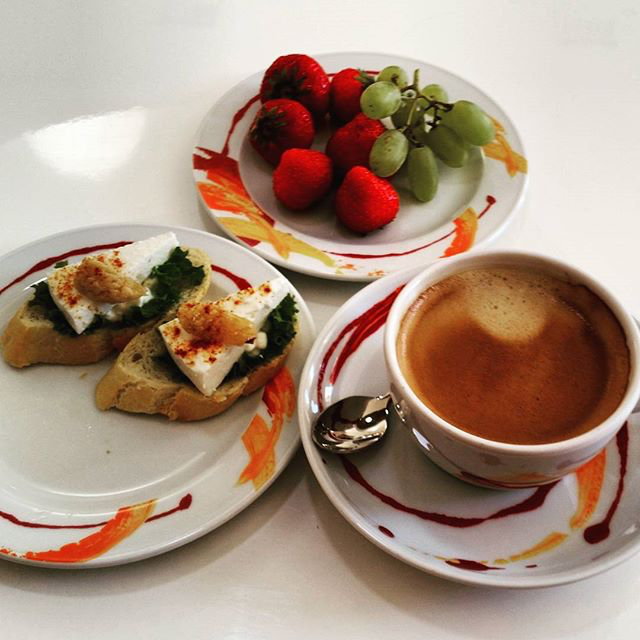
Her chair, her Trek, her Mac and coffee
Maybe even some added toffee

my-spot  food

mac-coffee  coffee

Home sweet home
Her true heart’s motto
Write more and still some more
Her work etchic on the dot-o

home sweet home 1  home sweet home 2

A holiday spent in a warmer climate
Cheeks will turn the colour of tomatoes
Fuel it will for a year’s worth
Surely going onwards strong with mirth

gun-5  food-coffee

Even of her car she wrote
A little tale, oh what a poet!
Drag Queens, comedy, science fiction
Between them not always a clear distinction

car  tech

creature comforts  gun-7

Her home filled with objet d’arts
A collection long ago did start
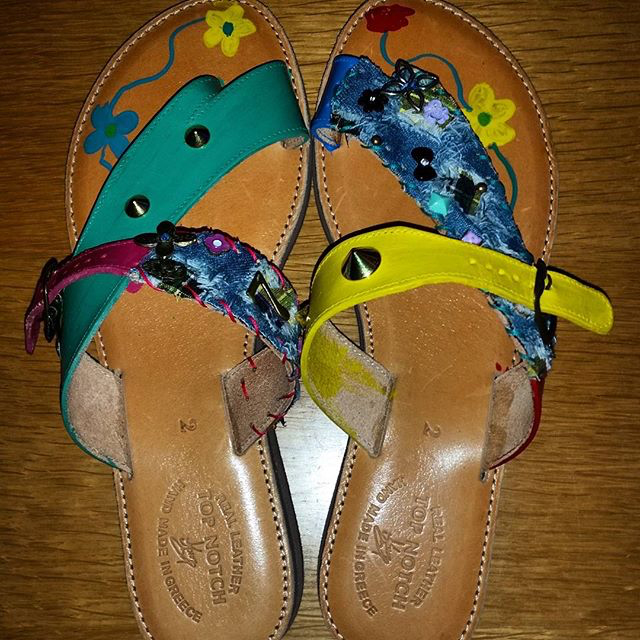
Oh and did I mention the many a shoes?
Maybe even a witch’s brew?

shoes-2  shoes-1

Her leg was operated a while ago
Now fully mended and on the go
High heels come a clacking
When someone at the door is knocking

gun 2  gun-3

Strong and independent is her mindset
But do not that let
Fool you into thinking
She is not as soft as a kitten

strong-women  cats-hd-photo-wallpapers-5750_thumb

When it comes to her and hers
You can softly hear her purr
When the working day is done
Let the slumber surely come

gun-6  gun-4

Blogging 201, Branding and Growth: Day Five: Make the Most of Your Archives, Part One

Blogging 201, Branding and Growth: Day Five: Make the Most of Your Archives

“I think I am about 5 for 500 when it comes to successful ideas vs flops” Jeremy Schoemaker

Blogging 201, Branding and Growth: Day Five: Make the Most of Your Archives, Part One

The internet is ephemeral — you publish a post, and it sinks to the bottom of your blog before you know it. You’re competing with breaking news and dealing with short attention spans.

Readers and search engines love seeing new content on your homepage, but you can keep things even fresher by highlighting your archives: your best posts, hidden gems, and timeless content. After all: if a reader just found you, it’s all new to them!

Today’s assignment: integrate a feature to draw traffic to your older content like a widget, related posts, or a “Best of” page.

Why do this?

* Because a go-to page compiling your best posts is the simplest way to get readers to your content — you never know which post will pique someone’s interest, so make the good ones easy to find.
* Because while your About page does a great job introducing you, a curated selection of posts further illustrates your perspectives.

* Customizer to promote older work in your sidebar and footer, including the Top Posts and Page Widget, Archives Widget, and Categories Widget. These widgets automatically pull in archival and popular content — they’re quick, easy additions to drive traffic to older work. Each widget has configuration options, so you can control how much real estate they take up.

* Activate the Related Posts feature, which analyzes the words in each post, searches your site for similar posts, and displays related content at the bottom of every post.


GO TO: Previously on Rantings Of A Third Kind…


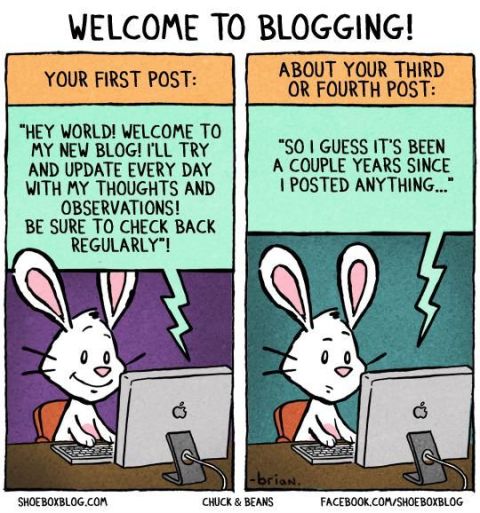
welcometoblogging

Previously on Rantings Of A Third Kind… (Blogging 201, Day Five)

Blogging 201, Branding and Growth: Day Five: Make the Most of Your Archives

eraser
“Breathe. Know that the Internet has no eraser” Liz Strauss

Previously on Rantings Of A Third Kind…

Previously on Rantings Of A Third Kind…

A page for Photography was designed
To be country specific was defined
And all the related posts to combine
Maybe what you seek, you here shall find

The page for Daily Poem briefly existed
To pending status it was soon listed
For more than one per day a poem coexisted
And to an overwhelming task insisted

Throwback Thursday was also introduced
Much more traffic it did produce
Not even that Bruce could reduce
And it did give the creator much more juice

Gidgets, gadgets, all types of widgets
On the pages already existed
To name but a few
And give them their due

Top posts, calendar, pages and archive
Better give me the high five!
Before going live
With another trial

A showcase for most favourite posts
As presented by the host
Could once more, be the thing of the week
Or maybe something else ya seek?

Looking for
Calendars, Challenges or Yesterday’s news
It is all in here
But with a click or a few

Before you’re leaving
A small reminder
Don’t forget tuning in
Againg tomorrow
To this world wide
Virtual binder

funny-blog-cartoon-image

Blogging 201, Branding and Growth: Day Three: Get Read All Over, Part One

Blogging 201, Branding and Growth: Day Three: Get Read All Over

writingmobile

“In many parts of the world, more people have access to a mobile device than to a toilet or running water” Nancy Gibbs

Blogging 201, Branding and Growth: Day Three: Get Read All Over, Part One

Over the past few days, you’ve been brainstorming about your brand and thinking about the elements of a well-designed site. None of that matters if readers can’t view your site properly across various devices.

Today’s assignment: make sure your site is mobile-friendly, and familiarize yourself with the features of responsive design.

Why?

Because a responsive website looks great on all screen sizes, from computer to tablet to phone.
Because there are mobile tools built in to WordPress.com — there’s no need to know web development to have a mobile-friendly site.

We’re a culture on the go, no longer just reading on desktop computers, but consuming information on the phones in our pockets, and sharing thoughts from iPads at 35,000 feet. People read blogs on phones — on the subway, in line, in the bathroom, just before they go to sleep at night.

In the Theme Showcase, you can choose from lots of “responsive” themes: they’re built to look great across all devices, and “respond” to different screen sizes by adjusting themselves. (While some older themes aren’t responsive, these days all new themes are.) If you’re not sure if your theme is responsive, check its description page; you can also search specifically for responsive themes.

You can use the Customizer to “test” your site on different devices — this allows you to see how responsive design works, and you can also play with options to find the perfect mix that makes you happy on the big screen and the small.

To launch the Customizer, head to your blog, click on “My Sites” in the top-left corner of the screen, and click on Customize. You’ll see these symbols near the bottom of the customizing tools:

From left to right, these symbols represent desktops, tablets, and smartphones. Clicking between them emulates the look of your content on different screens. Go ahead, click on one and watch your blog shift.

If you have a responsive theme…

… you may find that you want to make some changes — that font you loved might be too cramped on an iPhone, or you might not love the way your header changes on your Nexus. Sometimes, responsive themes move and condense different elements of your blog to create a better experience, so you’ll want to make sure you’re happy with how your widgets and menus work.

Make tweaks in the Customizer, and preview them on different screen sizes to make sure you’re satisfied with your blog’s look across all kinds of devices.

If you don’t have a responsive theme…

…ensure your site looks good on phones and tablets by enabling Minileven, a mobile-specific theme based on the Twenty Eleven theme. Any WordPress.com blogger can use Minileven for their mobile site without affecting their standard theme; your blog will automatically detect when someone’s using a phone or tablet.

Note: you don’t have to activate Minileven if your current theme is already responsive — you’ll see a note in the “Mobile” section of your Dashboard if your theme is already mobile-friendly.

Minileven has a clean design and pulls in your custom header (along with other tweaks, like custom colors or CSS), to give your mobile blog a personalized feel that’s simple and readable. To make sure it’s enabled, go to the Appearance → Mobile tab in the WP-Admin part of your dashboard and select “Yes” next to “Enable mobile theme.”

For more convo, head to The Commons, where your co-bloggers can check out your blog on their own phones and tablets, and give you a heads-up if your mobile experience could use an adjustment.

t-mobile data outage


Part Two: Get Read All Over, Part Two

Get Read All Over, Part Two (or Mobile Madness)

Blogging 201, Branding and Growth: Day Three: Get Read All Over

Simplified-Blogging

“My mobile phone battery runs out all the time because all the messages come straight to me”
Ed Balls

Get Read All Over, Part Two (or Mobile Madness)

Over the past few days, you’ve been brainstorming about your brand and thinking about the elements of a well-designed site. None of that matters if readers can’t view your site properly across various devices.

Today’s assignment: make sure your site is mobile-friendly, and familiarize yourself with the features of responsive design.

I have been using the WordPress application on both Samsung and Iphone for a while. Sometimes for writing, but mostly for reading and follow up. I don’t recommend typing on the small device for a lengthy time. Posting on them, especially picture related topics can be tricky, as it sometimes is even with a proper computer 😉

I have showcased my blog on several occasions on the phone application and the look and feel is right for such a device as well. The theme and widgets flow nicely even on a smaller screen. Best test to prove the point is, to take a complete novice to both smart phones and the world of blogging. After a few minutes with application install and demo on how the blog works, they got the hang of it and I am happy to say, are now regular followers as well.

Having a background in web design and code, I usually do tests on the pages on several browsers and types of screens. With the Visual Theme, I have finally realized the looks for my personal blog.


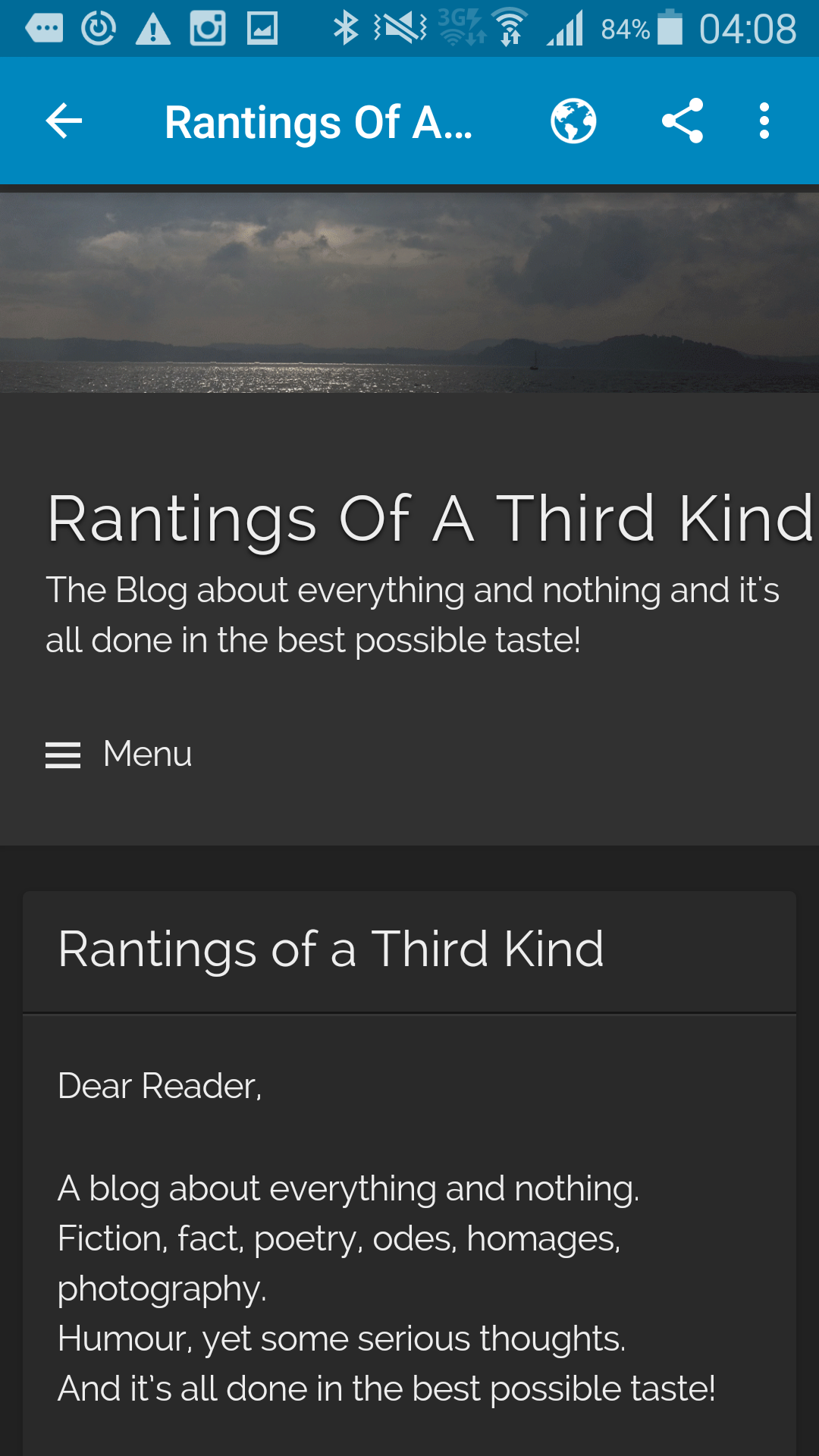
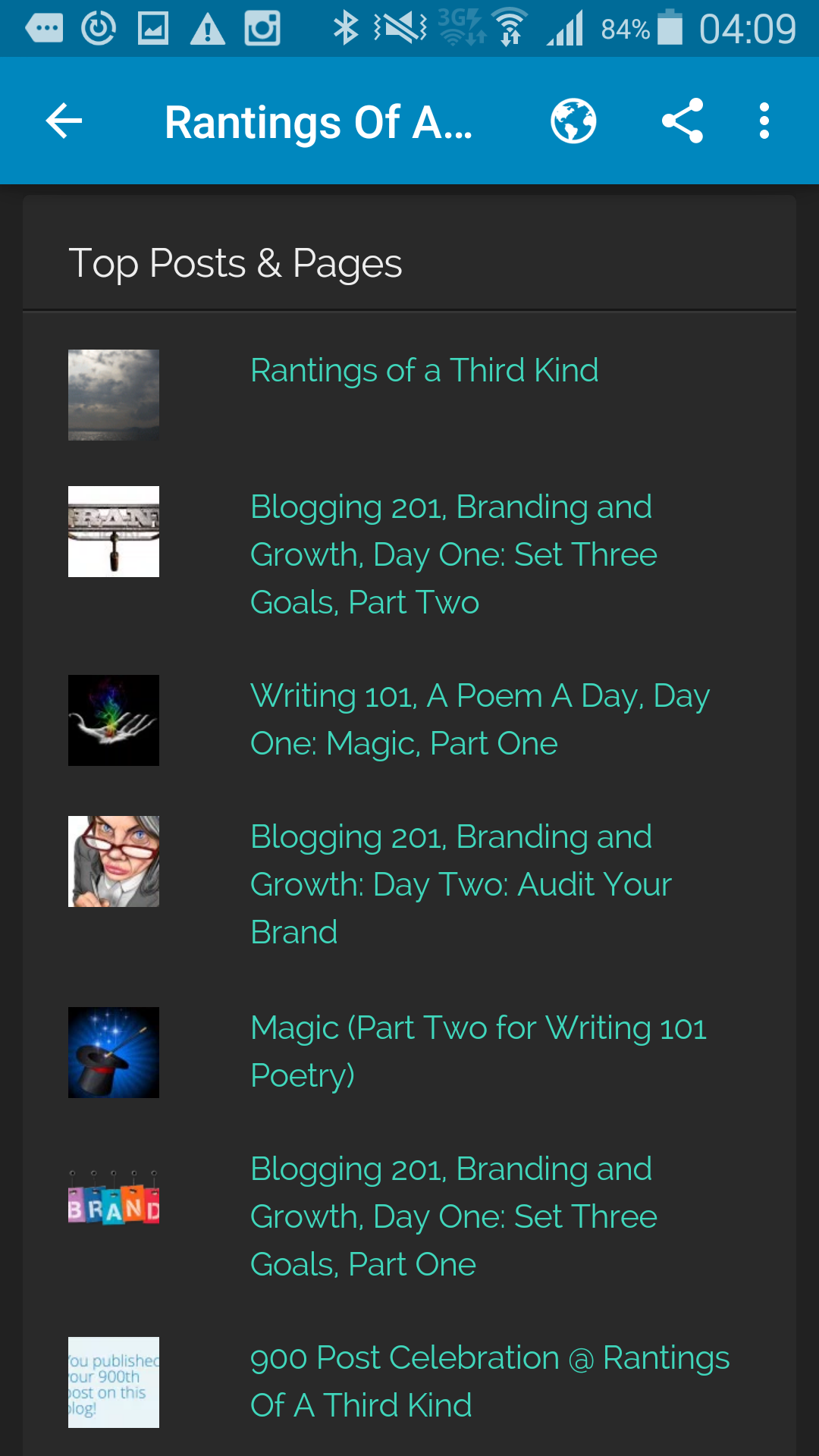
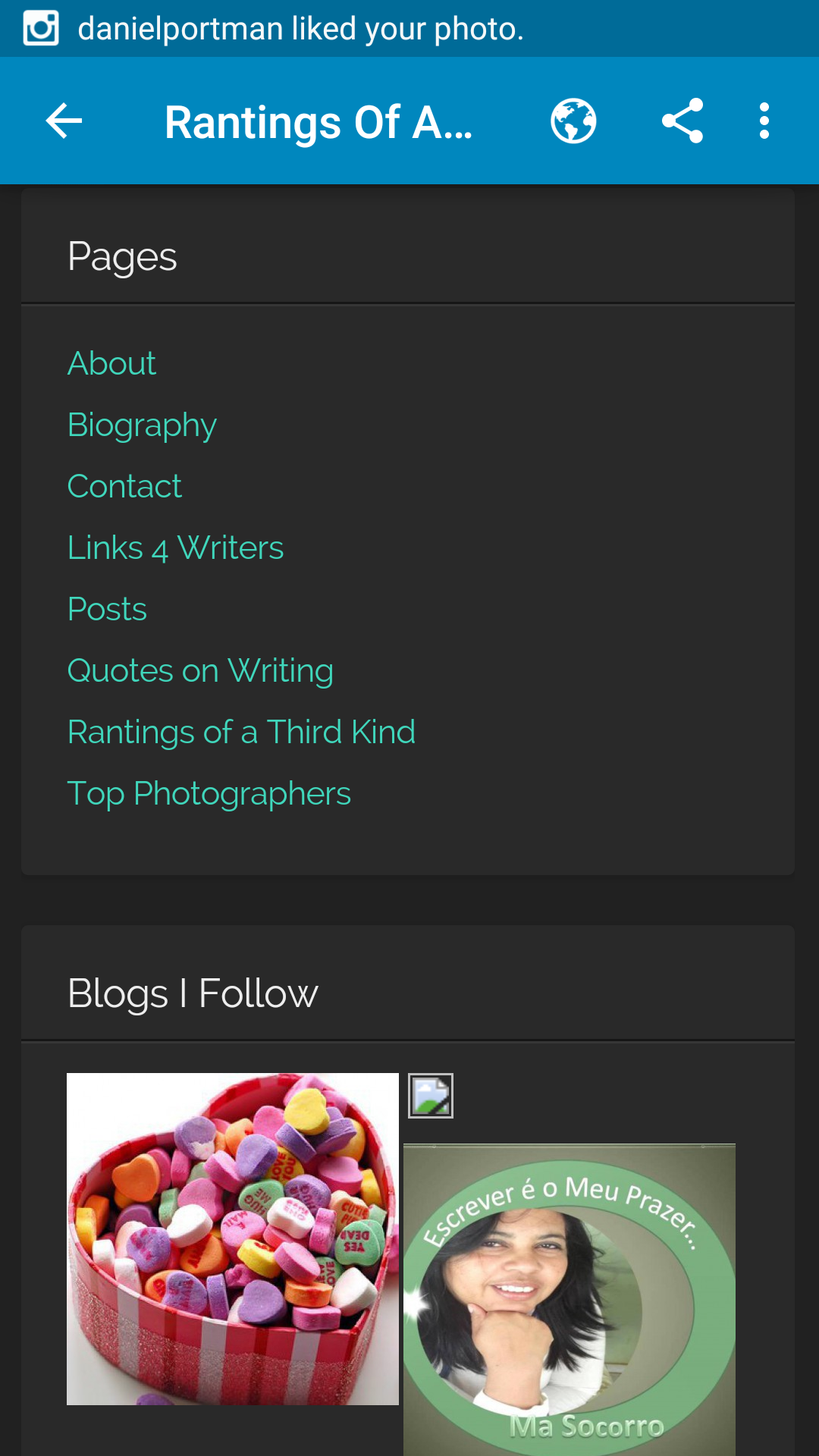
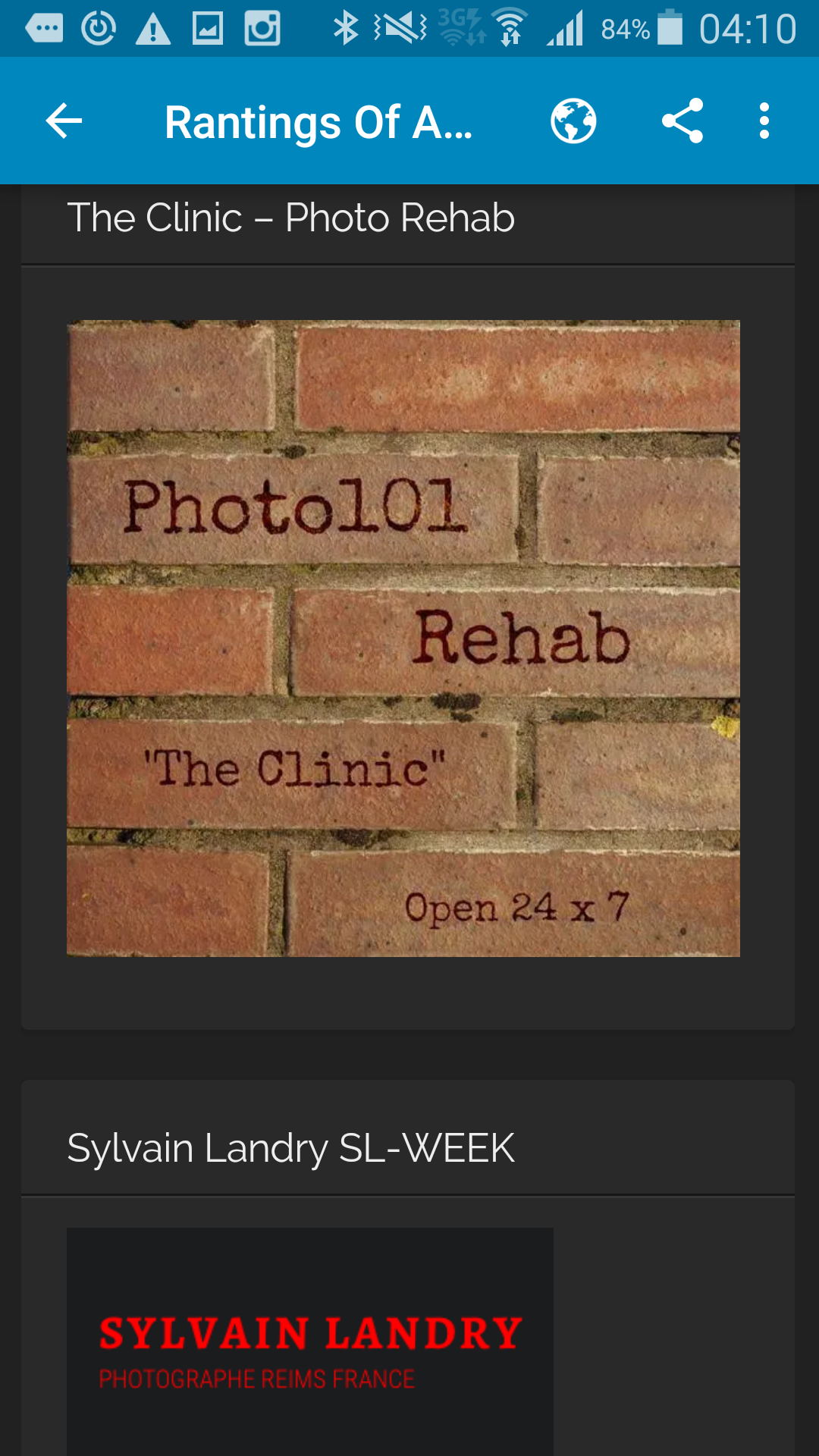
Here are some examples of the blog as seen throught my mobile phone:

2015-12-09 02.08.59   2015-12-09 02.09.16   2015-12-09 02.09.22

2015-12-09 02.09.27   2015-12-09 02.10.28   2015-12-09 02.09.33

2015-12-09 02.10.33   2015-12-09 02.09.38   2015-12-09 02.10.48

2015-12-09 02.10.23   2015-12-09 02.11.09   2015-12-09 02.11.18